Intelligent Camera Monitoring
AI-powered surveillance for your RTSP cameras. Monitor multiple cameras simultaneously, detect people and events automatically, and record only when it matters — all on-device.
Advanced AI features designed for home owners, small businesses, and security professionals.
Cascade AI detects people, motion, faces, sounds, fire/smoke, vehicles, license plates, animals, falls, and more. Saves CPU by only triggering deeper analysis when needed — fewer false alarms, more accuracy.
Monitor up to 4 cameras simultaneously in an auto-arranged grid. Hardware-accelerated H.264/HEVC decoding via VideoToolbox for smooth, low-latency playback.
Automatically records when events are detected. Intelligent storage management with configurable retention up to 90 days and auto-cleanup at 50 GB.
Deep-learning sound classification — detect doorbells, alarms, glass breaking, and more. AI-powered voice enhancement delivers crystal-clear audio from any camera.
Multi-channel alerts: local push notifications, email via SMTP, and webhooks for Slack, Discord, Microsoft Teams, Lark/Feishu, and custom endpoints — all triggered the moment an event is detected.
All AI processing happens locally on your device. No video, audio, or personal data is ever sent to external servers. Optional iCloud sync is fully under your control.
Full ONVIF PTZ control — pan, tilt, zoom, and preset positions. Adjust camera imaging settings like brightness, contrast, and saturation remotely.
Define custom danger zones and get instant alerts when people or children enter restricted areas. Detect unattended objects, camera tampering, and scene changes.
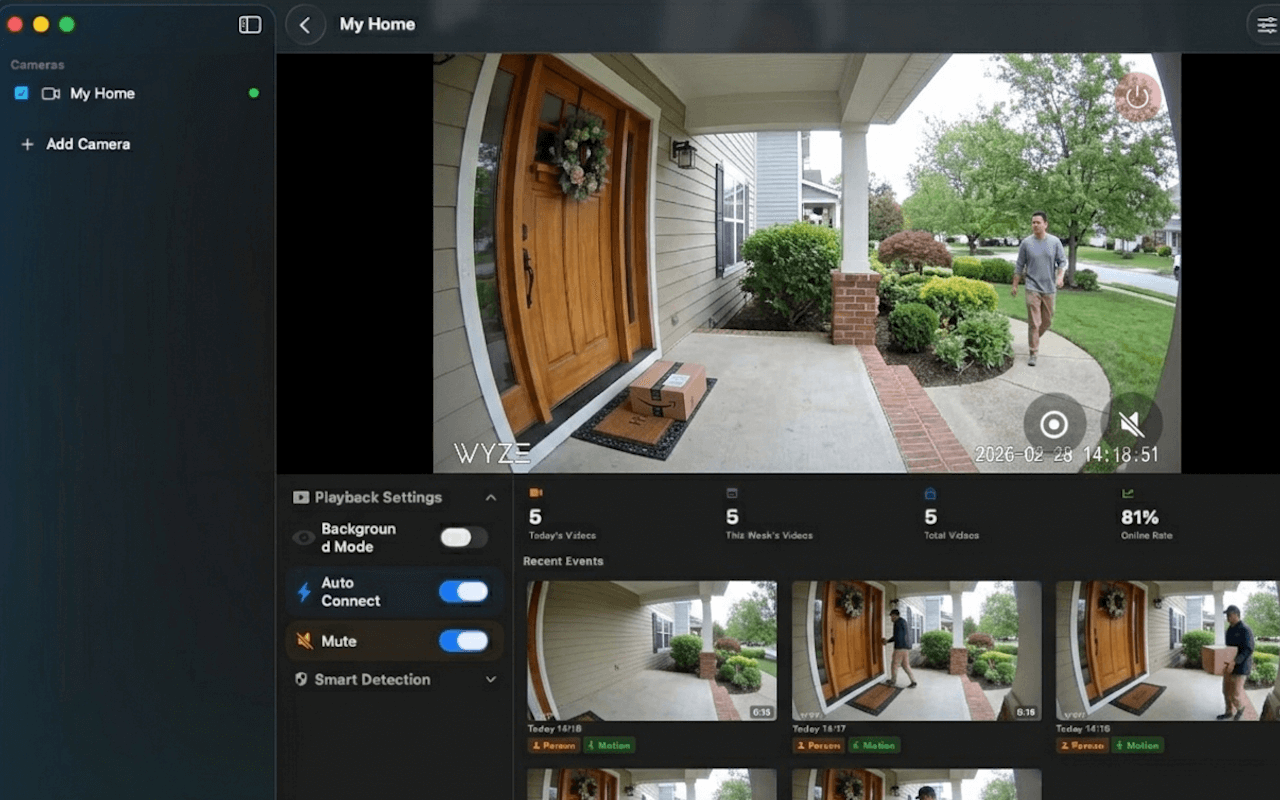
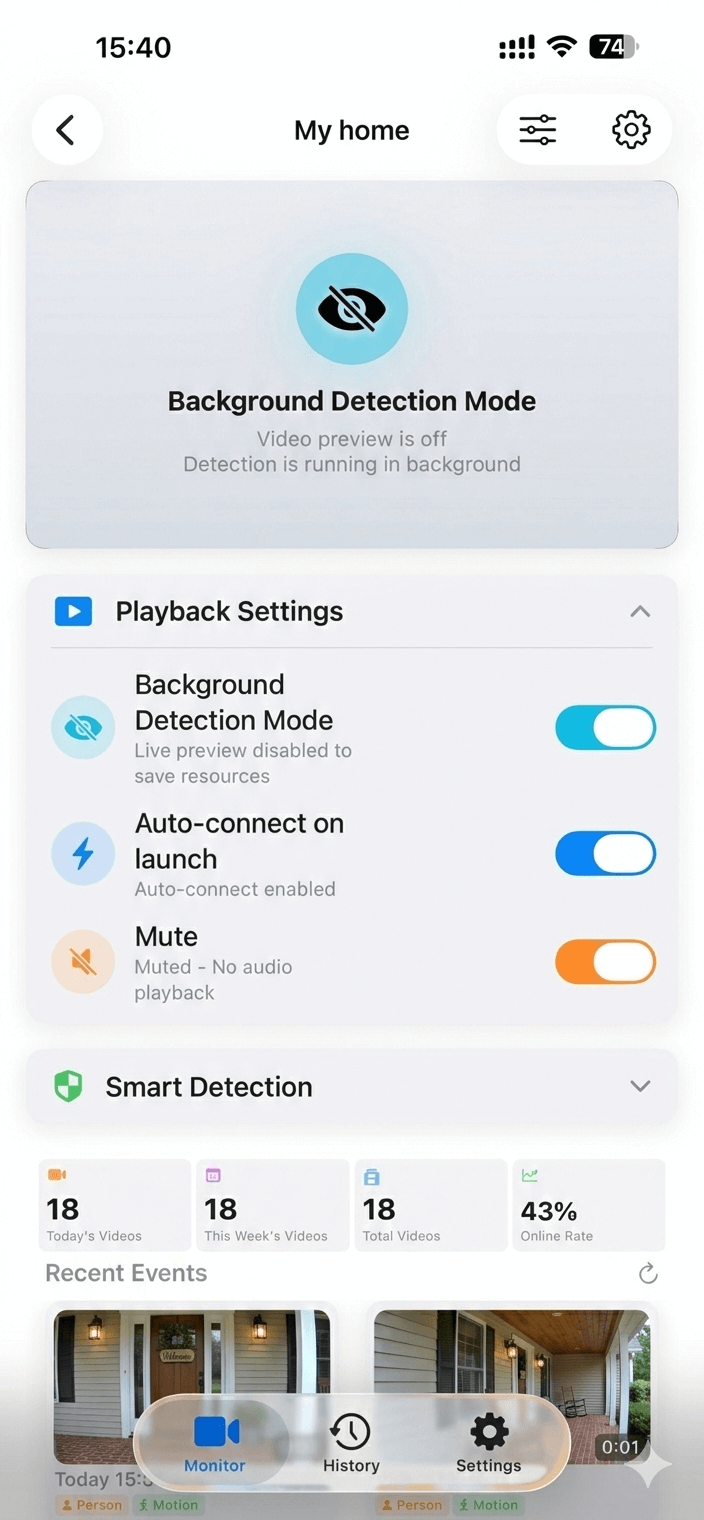
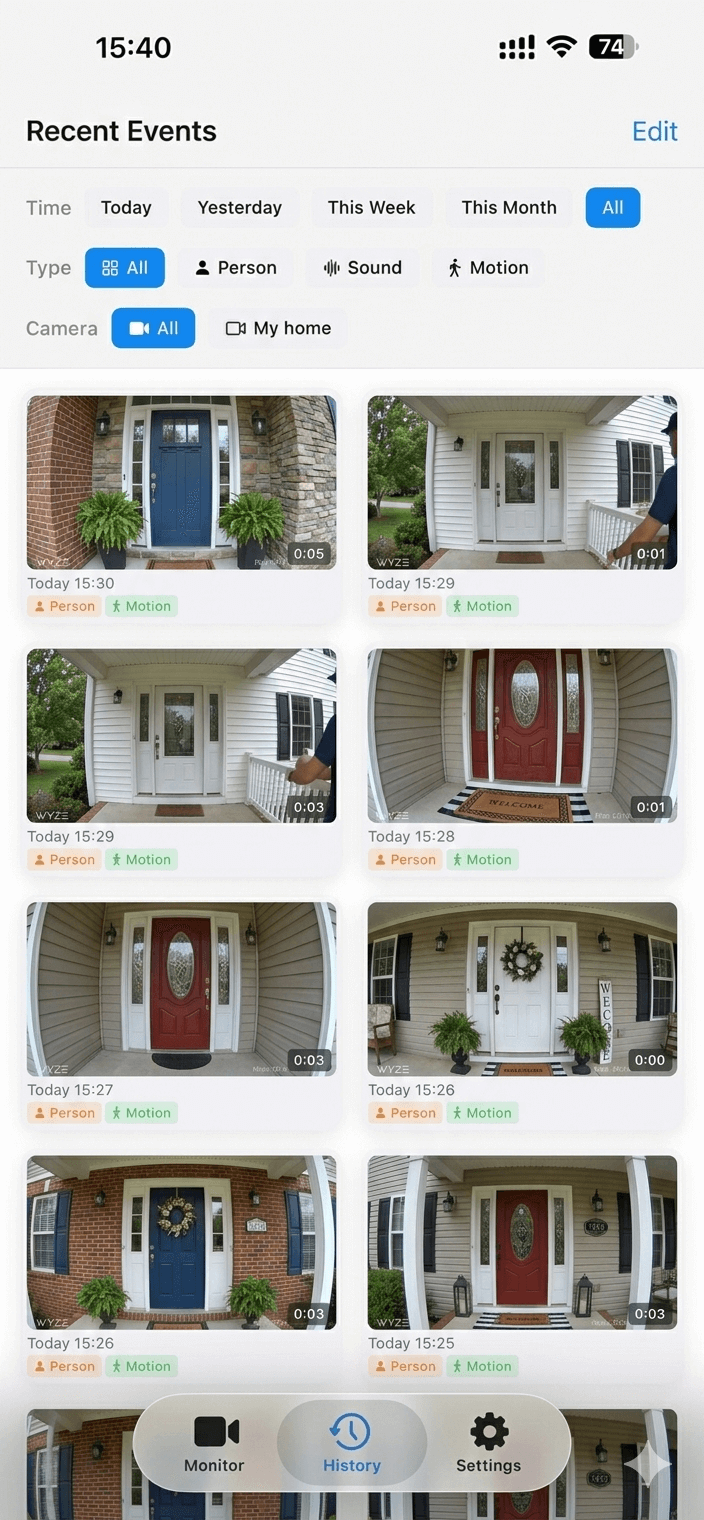
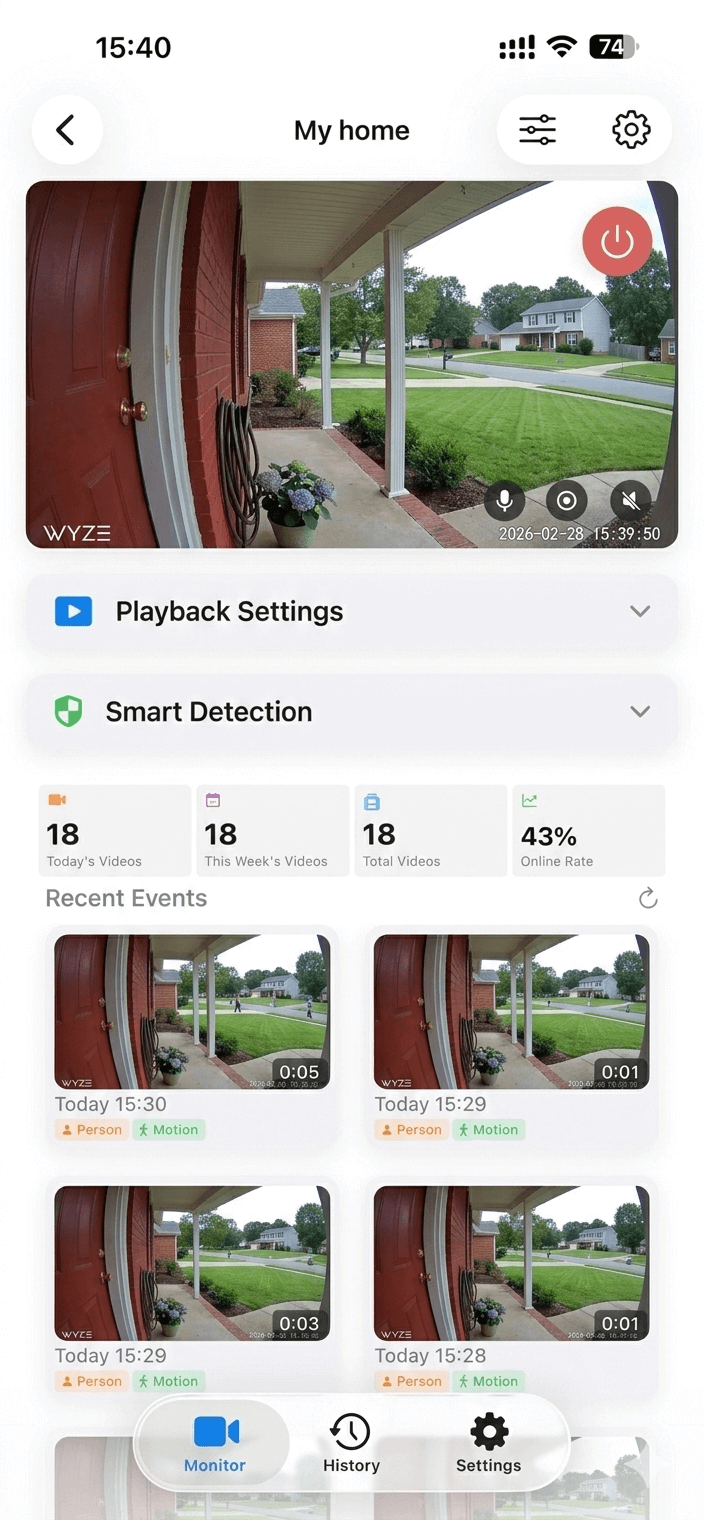
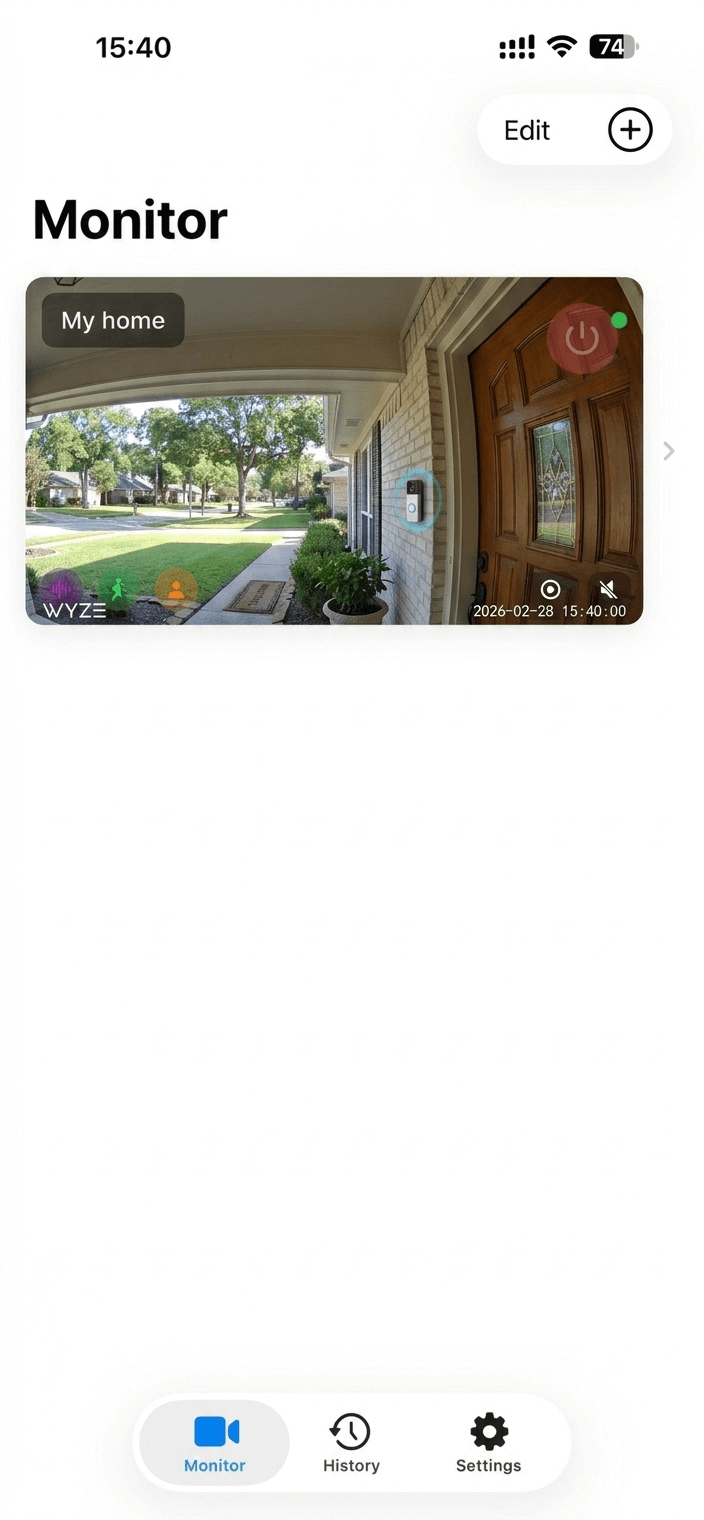
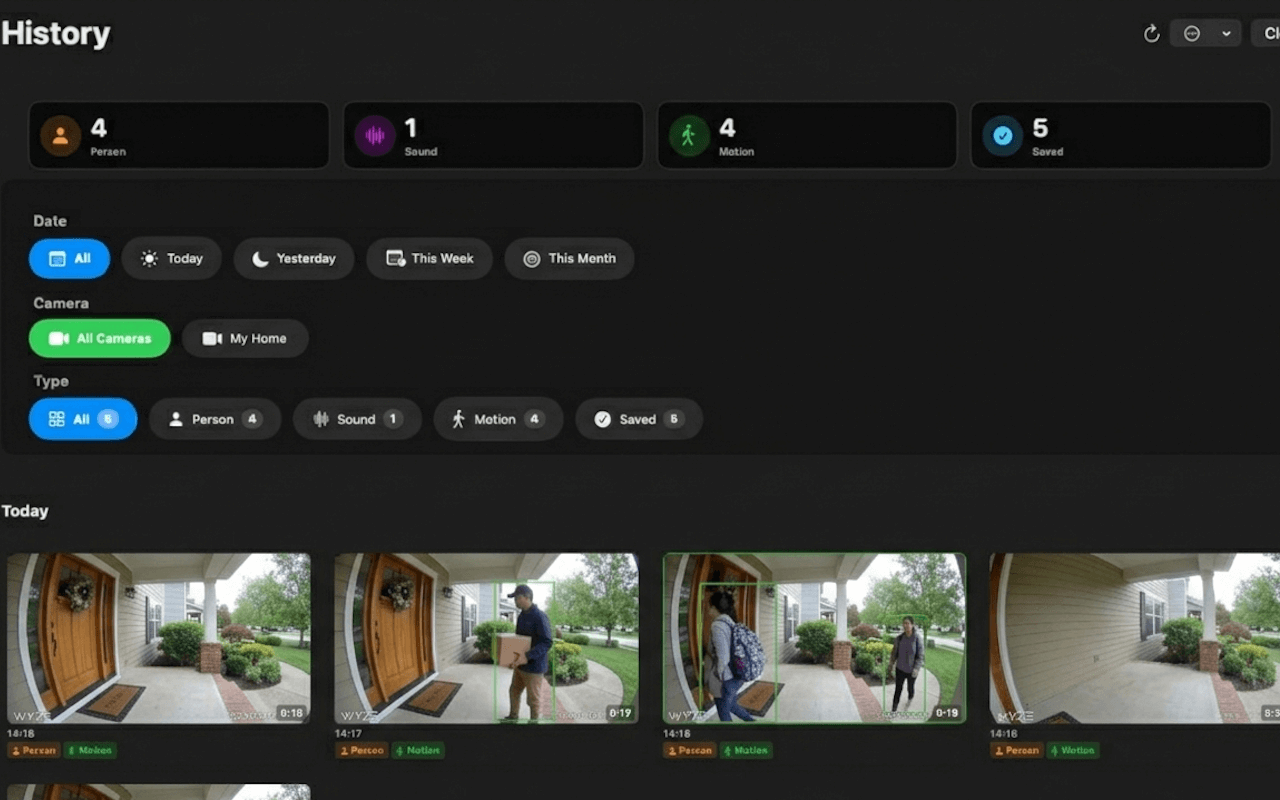
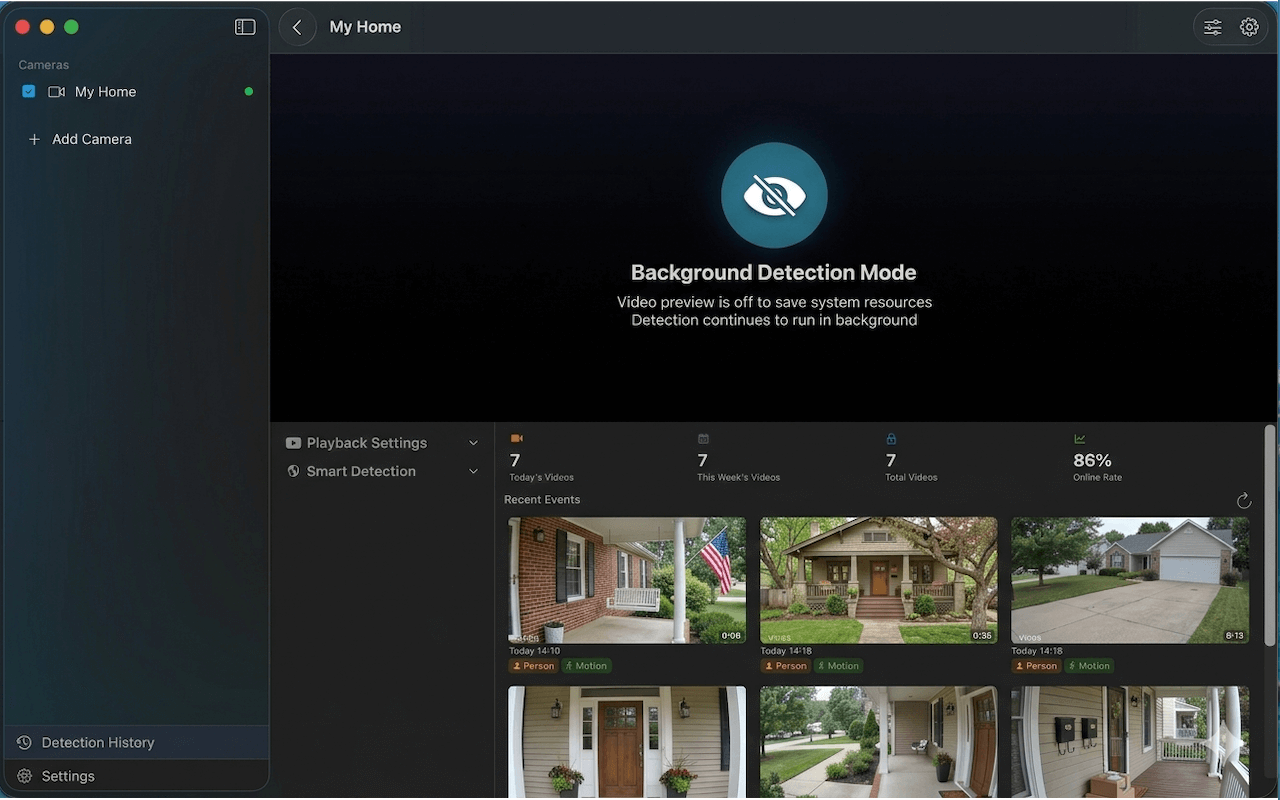
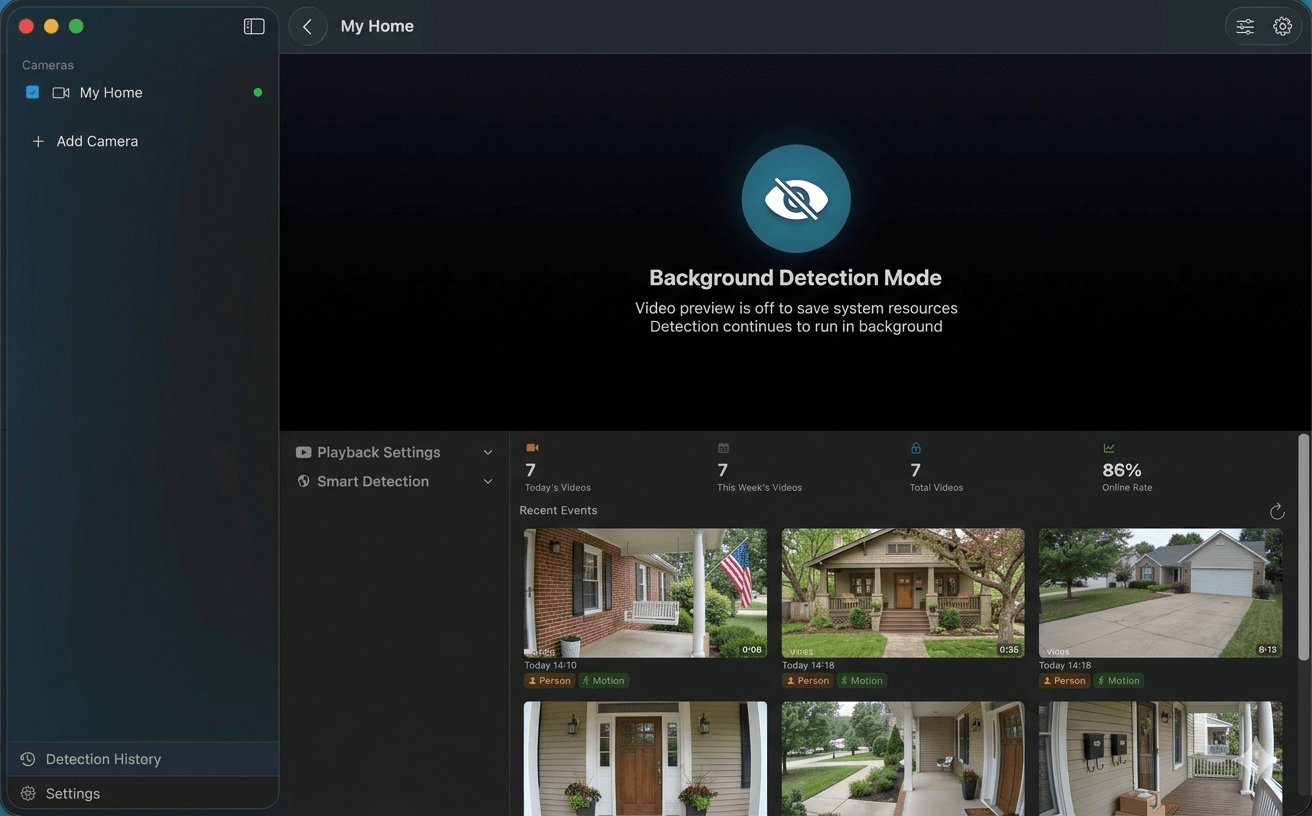
Real screenshots — no mockups, no stock photos.
Two separate apps — each crafted for its platform with native UI and platform-specific optimizations.
Monitor your cameras anywhere, anytime. Background detection keeps you informed even when the app isn't in focus.
A powerful monitoring station on your desktop. Full keyboard shortcuts, sidebar layout, and Metal GPU acceleration for professional-grade performance.
SmartRTSP connects to any RTSP or ONVIF-compatible IP camera — including all major consumer and professional brands. No bridge hardware, no cloud subscription required.
Common stream URLs for popular camera brands. Replace user, pass and IP with your camera's credentials and IP address.
main with sub for a lower-resolution sub-stream101, sub-stream = 102; channel 2 = 201subtype=0 for main stream, subtype=1 for sub-streamsubtype=0 main, subtype=1 extra, subtype=2 mobile stream/videoSub. Enable RTSP in the camera web UI settings101, sub = 102stream2 for sub-stream. Credentials are your Tapo account username and password?videocodec=h264 to force H.264 encoding for best compatibilityrtsp://IP/video?inst=1&h26x=4rtsp://IP:8554/unicastSmartRTSP works with any IP security camera that supports the RTSP (Real Time Streaming Protocol) or ONVIF standard. This includes all major brands: Hikvision, Reolink, Wyze (with RTSP firmware enabled), Dahua, Amcrest, Eufy (select indoor models), Foscam, Annke, Lorex, TP-Link Tapo, Axis, and Bosch. For consumer brands like Wyze that don't enable RTSP by default, SmartRTSP provides brand-specific setup guides. If your camera supports ONVIF, SmartRTSP can auto-discover it on your local network with one tap — no manual IP entry required. Any camera that outputs a standard RTSP stream will work, regardless of brand. No bridge hardware, no hub, and no cloud subscription is required — SmartRTSP connects directly to your cameras over your local Wi-Fi or Ethernet network.
No. SmartRTSP is built on a privacy-first architecture where all AI analysis runs entirely on your device. Person detection, motion detection, face recognition, and sound classification all execute locally — your camera footage is processed in real time on your iPhone, iPad, or Mac and never leaves your device. No video clips, image frames, audio snippets, or personal data are ever uploaded to any external server. SmartRTSP does not require a user account, does not phone home, and works fully offline on your local network. The only optional network feature is iCloud sync for your camera list and app settings, which is fully under your control. This means your home or business camera feeds are visible only to you — not to any cloud service, not to SmartRTSP's servers, and not to any third parties.
Yes. SmartRTSP connects directly to your IP cameras over your local network — Wi-Fi or wired Ethernet — without routing through any external server. Live video viewing, ONVIF camera discovery, AI detection (person, motion, face, and sound), and local recording all work fully offline. You can monitor and record from your cameras even if your internet connection is down. The only features that require internet access are downloading app updates from the App Store and, optionally, syncing your camera settings to iCloud. SmartRTSP is commonly used in environments where internet access is restricted or unavailable, such as remote properties, secure facilities, and local business networks. Because all communication stays on your LAN, latency is minimal and there is no risk of video data being intercepted in transit.
SmartRTSP is free to download on both the App Store (iPhone & iPad) and the Mac App Store. Core camera viewing and ONVIF discovery features are included for free, with optional in-app purchases to unlock advanced AI detection and recording capabilities.
The easiest method is SmartRTSP's built-in ONVIF auto-discovery — tap "Scan" and the app finds all compatible cameras on your local network automatically. For manual RTSP URL setup: Hikvision uses rtsp://user:pass@IP:554/Streaming/Channels/101 for the main stream (use /102 for sub-stream). Reolink uses rtsp://user:pass@IP:554/h264Preview_01_main (replace "main" with "sub" for lower resolution). Dahua and Amcrest share the format rtsp://user:pass@IP/cam/realmonitor?channel=1&subtype=0. TP-Link Tapo uses rtsp://user:pass@IP:554/stream1. In all cases, replace user, pass, and IP with your camera's actual credentials and local IP address. Full brand-specific guides are in the Cameras section above.
Yes. SmartRTSP's multi-camera grid lets you view up to 4 cameras simultaneously in an auto-arranged layout. Hardware-accelerated decoding via Apple's VideoToolbox ensures smooth, low-latency H.264 and H.265/HEVC playback even when monitoring multiple streams.
SmartRTSP uses a cascade AI architecture designed for accuracy and battery efficiency. Detection starts with a lightweight motion pass — if no motion is present, deeper models stay idle. When motion is confirmed, a person detection model identifies whether a human is visible in the frame. Face recognition activates as a third layer only when a person is detected, minimising false alerts. For audio monitoring, SmartRTSP uses Apple's on-device sound analysis to classify 521 categories of sound in real time, including doorbells, smoke alarms, glass breaking, baby crying, and dog barking. You can configure custom alert rules — for example, notify only when both a person and a doorbell sound are detected together. All AI processing runs locally on your device with no cloud upload, no network latency, and no internet connection required. Detection continues even when the app is running in the background.
Step-by-step guides, troubleshooting help, and comparisons — all free.
Available on iPhone, iPad, and Mac. Download the app for your platform and start monitoring in minutes.