Camera setup
Add Cameras to SmartRTSP
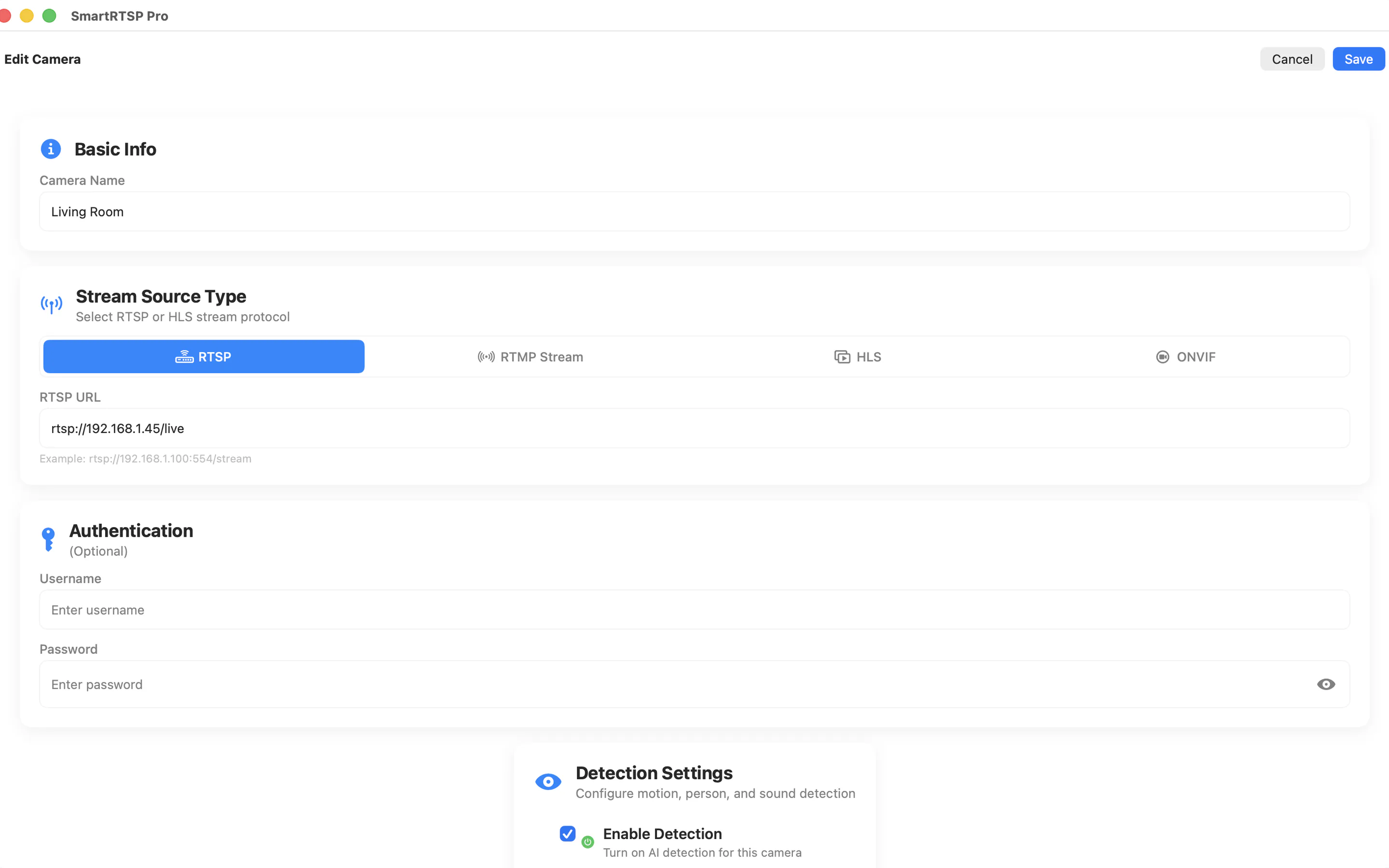
SmartRTSP supports ONVIF discovery and manual RTSP/RTSPS entry. Use ONVIF when the camera supports it; use manual URL entry when you already have the exact stream path from the camera app, web UI or NVR.
Last updated: July 6, 2026
Which add method should you use?
| Method | Best for | Notes |
|---|---|---|
| ONVIF Scan | Hikvision, Dahua, Reolink, Axis, Bosch, Hanwha, Tapo and other ONVIF cameras | Discovers device metadata, profiles, snapshot URL and PTZ capability when available. |
| Manual RTSP URL | Known URL formats such as /stream1 or /Streaming/Channels/101 | Use camera account credentials, not necessarily your cloud account password. |
| Local Camera | Using the iPhone camera as a local source inside SmartRTSP workflows | Useful for test setups and local monitoring scenarios. |
Connection checklist
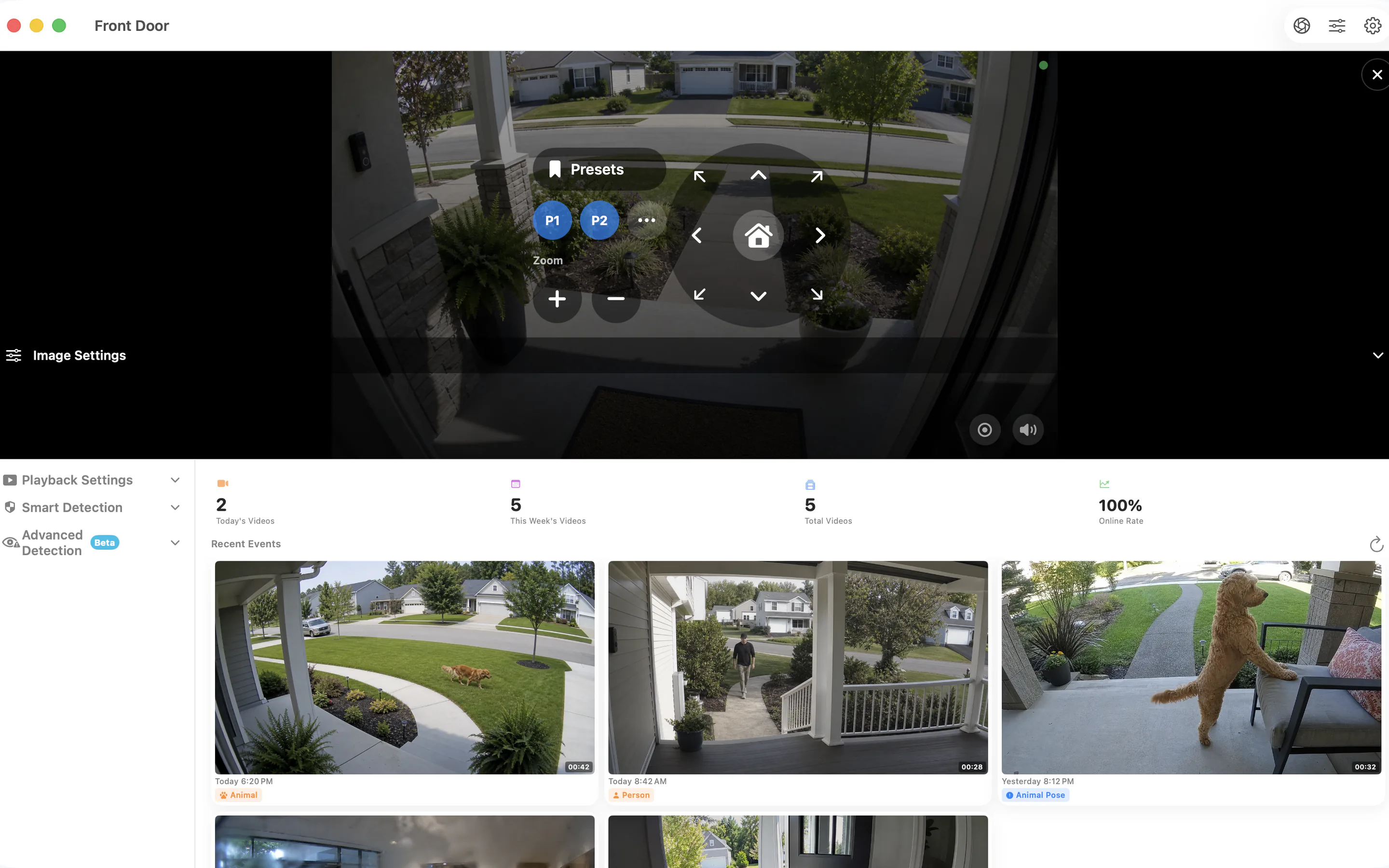
- Camera and device are on the same local network or VPN.
- RTSP or ONVIF is enabled in the camera app or web UI.
- Username and password belong to the camera account.
- Use sub-stream for mobile grids if the main stream is too heavy.