Detection and recording
SmartRTSP AI Detection and Event Recording
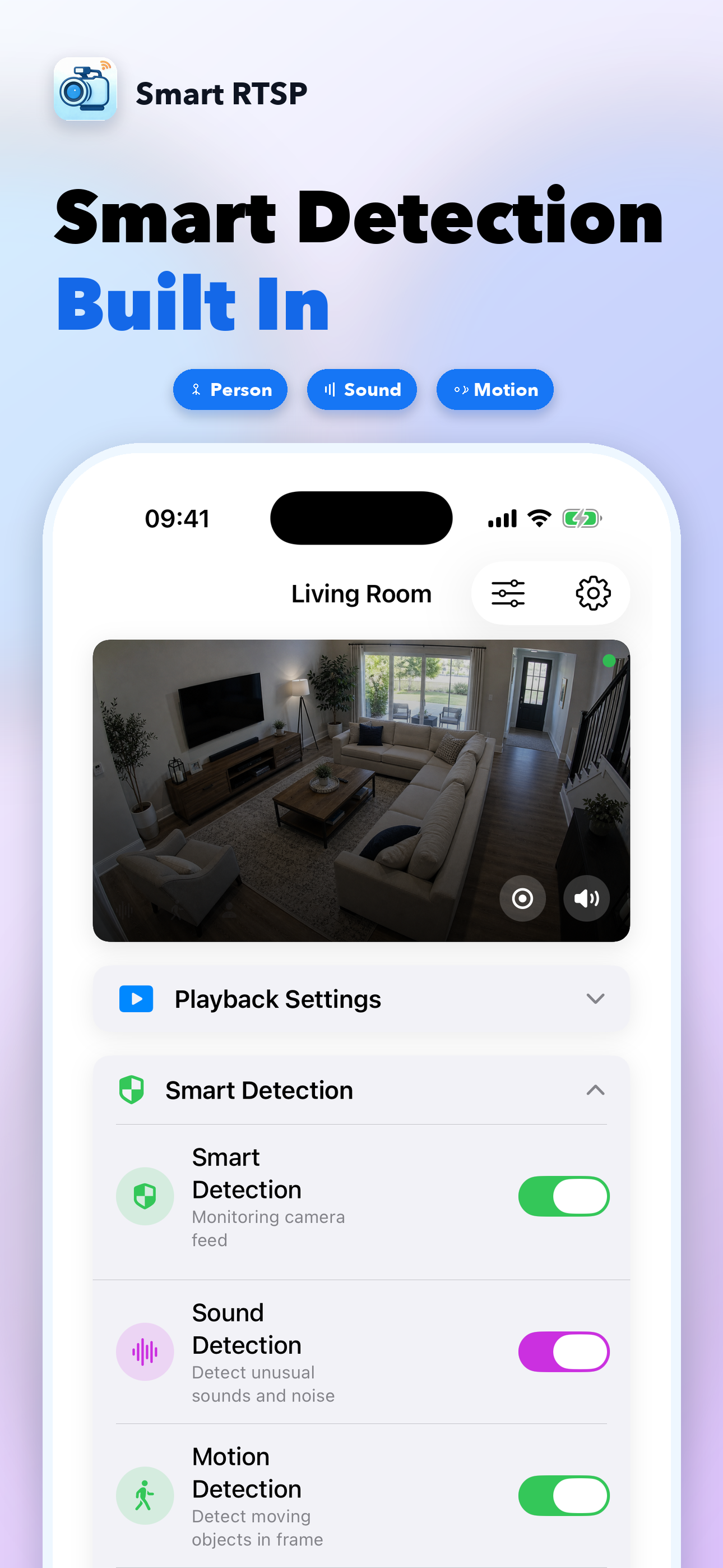
SmartRTSP runs detection locally on your Apple device. Use motion as the first signal, add person, face or sound detection when needed, and record event clips with local history instead of sending footage to a cloud service.
Last updated: July 6, 2026
Detection types
| Type | Use it for | Tip |
|---|---|---|
| Motion | Fast movement trigger and low-cost first pass | Start here, then narrow alerts with person detection. |
| Person | People entering a driveway, shop, hallway or entrance | Good default for security cameras. |
| Face | Closer indoor or doorway scenes | Best when the camera sees faces clearly. |
| Sound | Doorbell, alarm, glass break, baby cry, dog bark and other audio events | Enable camera audio first and test codec support. |
Pre-buffer
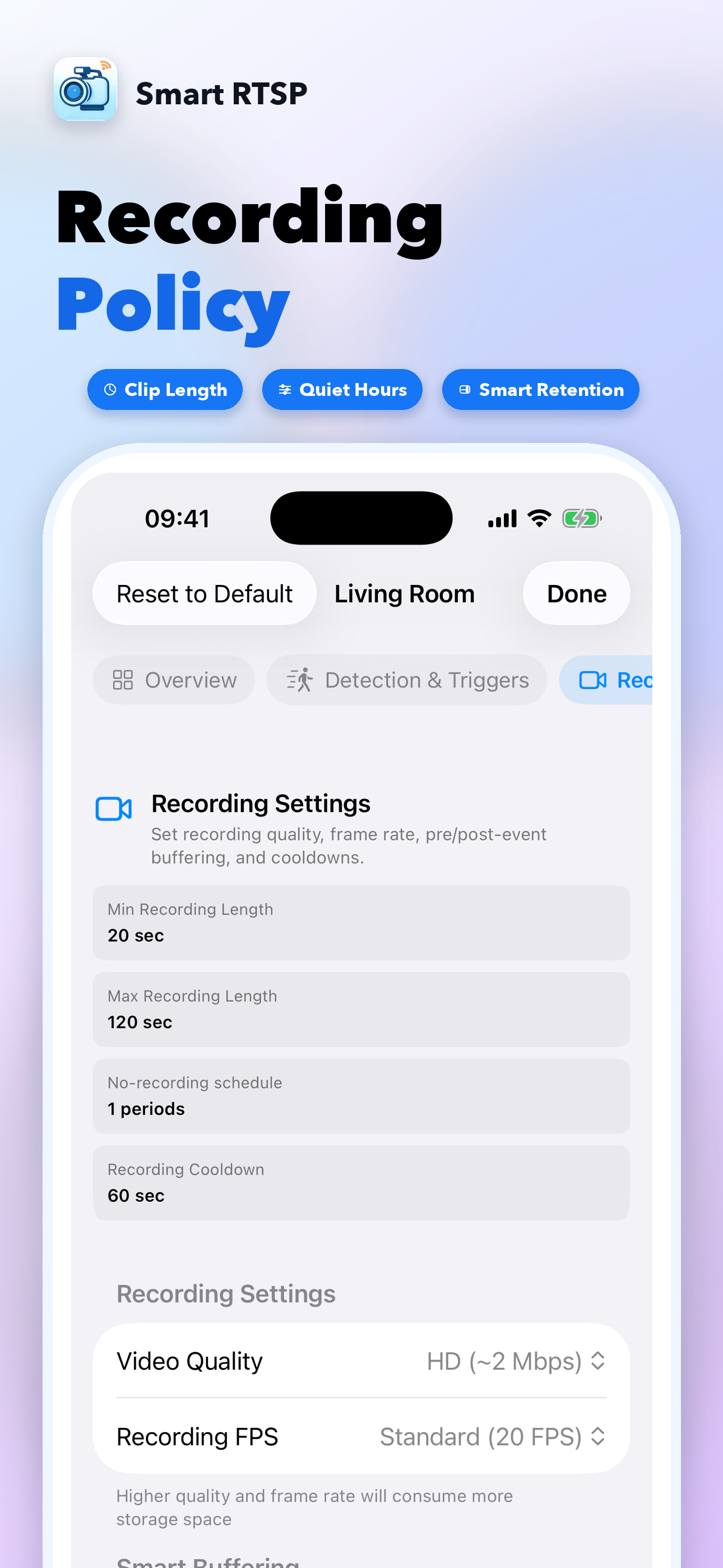
Event clips can include moments before the trigger so you see what happened first.
Recording duration
Tune initial duration, extension behavior and maximum clip length.
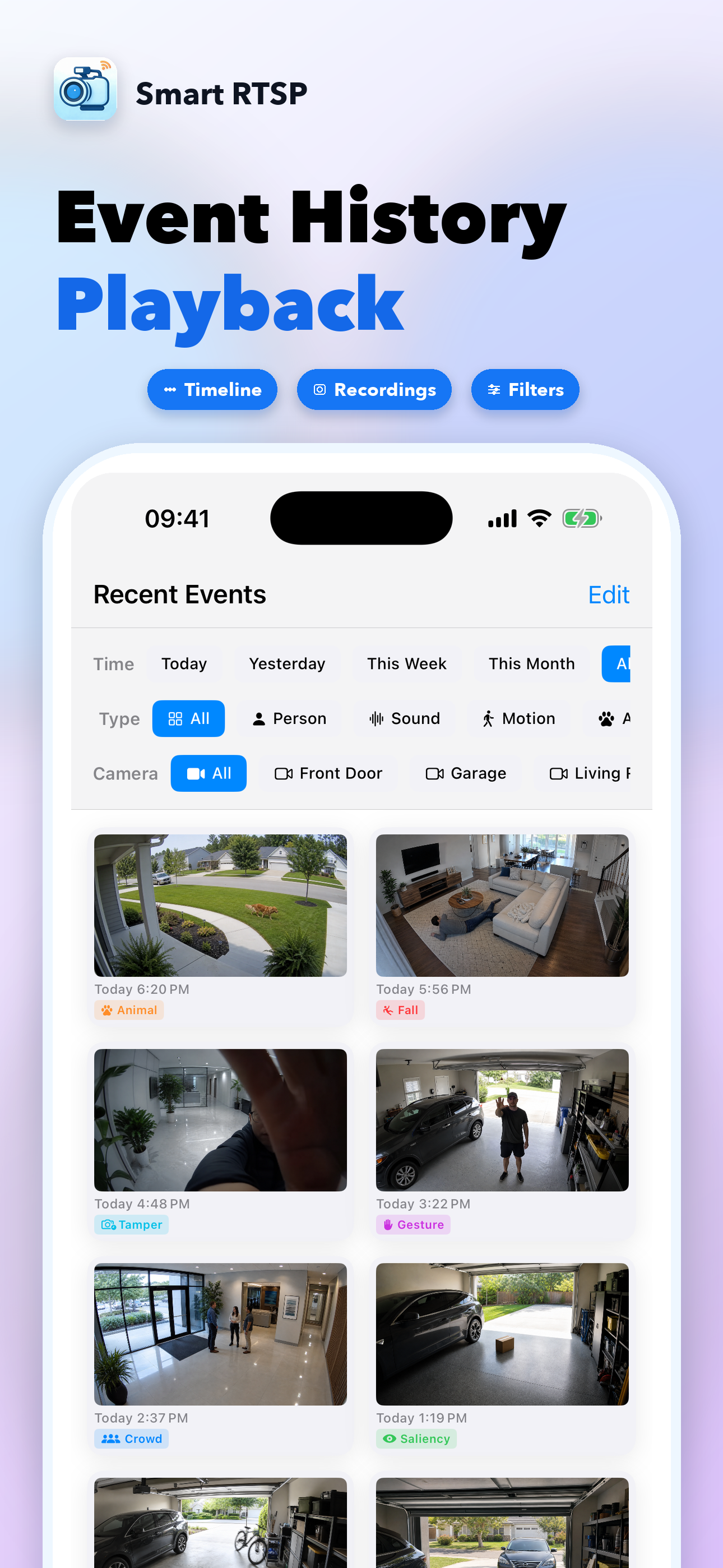
History filters
Review today, yesterday, this week, this month or all events by type.