iPhone and iPad guide
SmartRTSP for iPhone and iPad
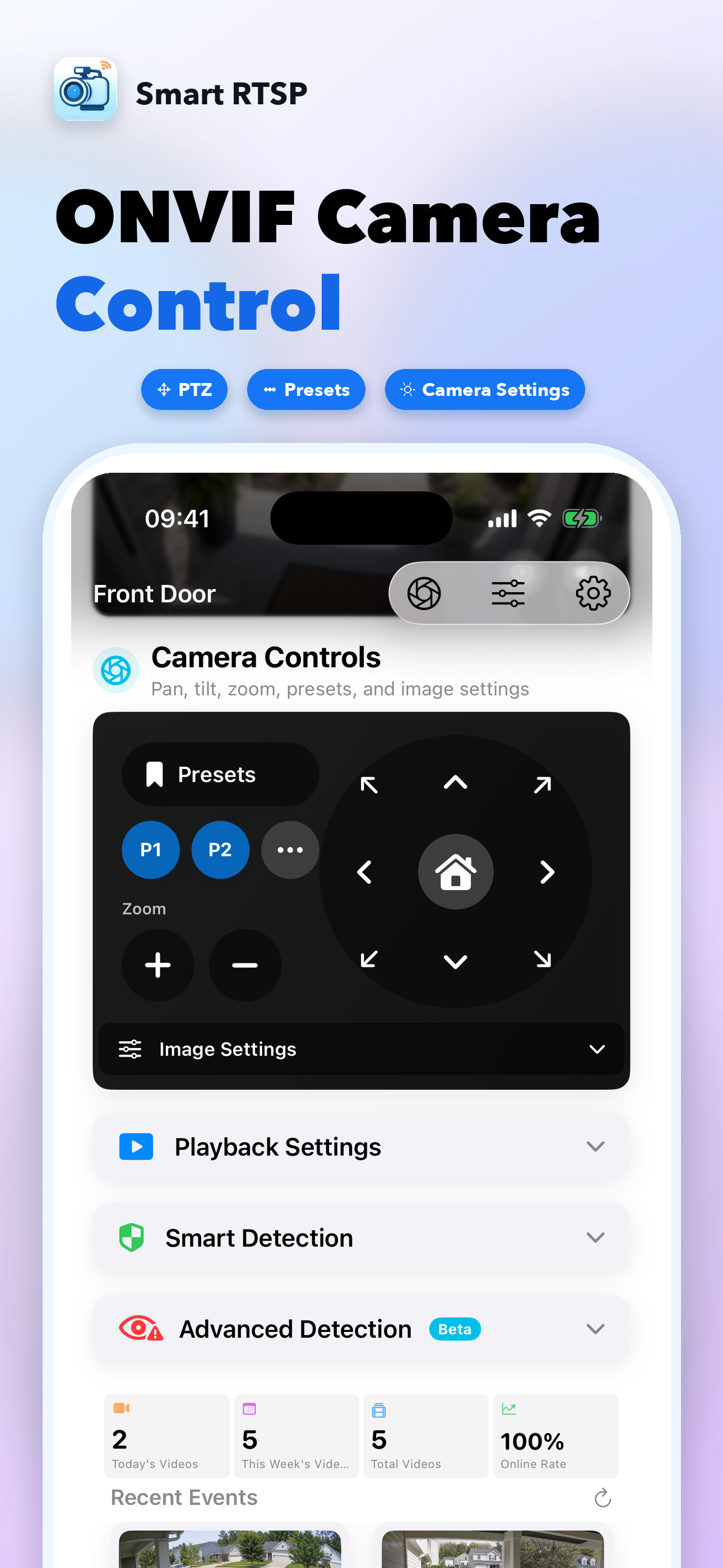
Use SmartRTSP as a local-first RTSP and ONVIF camera viewer on iPhone and iPad. Add cameras, monitor multiple streams, enable on-device detection, record events and review history without sending video to a cloud service.
Last updated: July 6, 2026
Add cameras
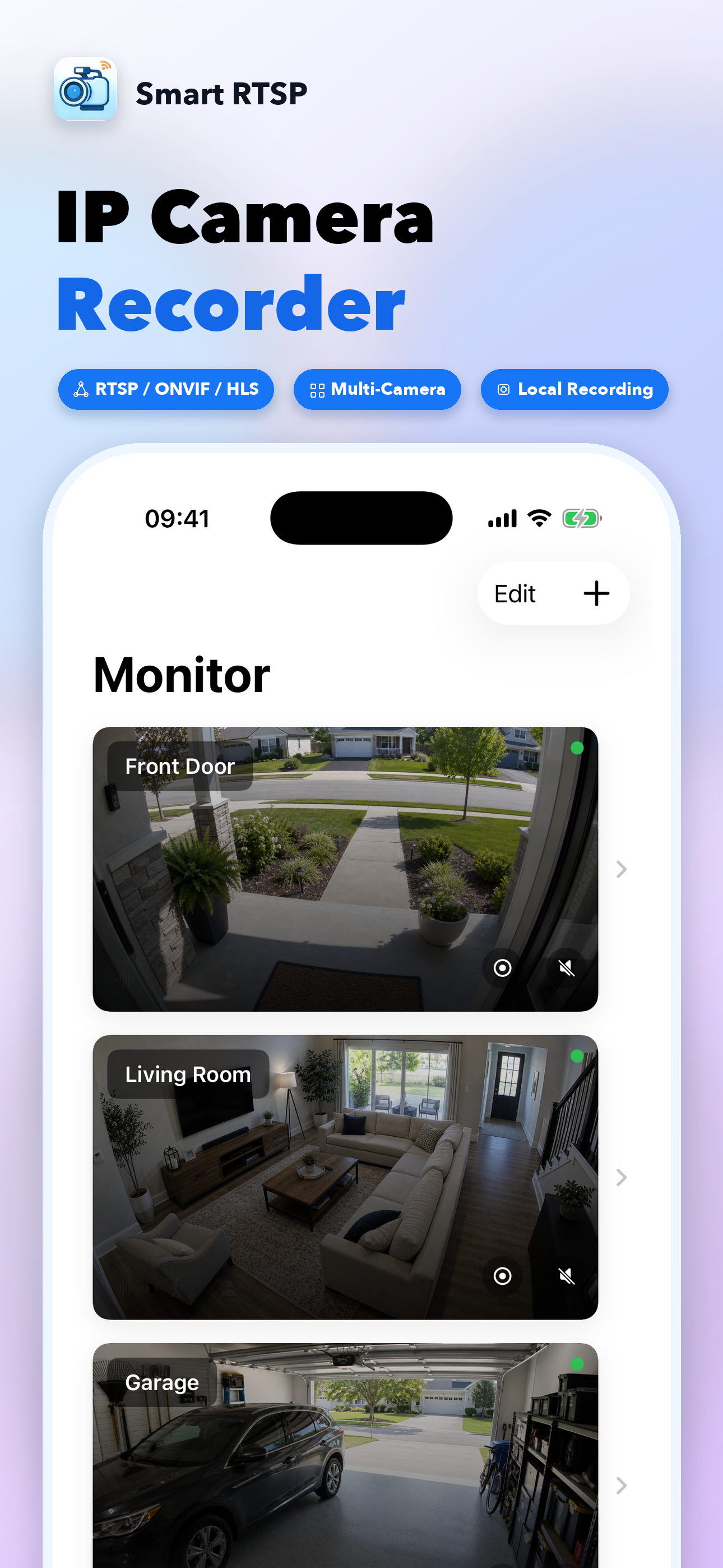
Scan ONVIF devices or paste an RTSP/RTSPS URL.
Monitor layouts
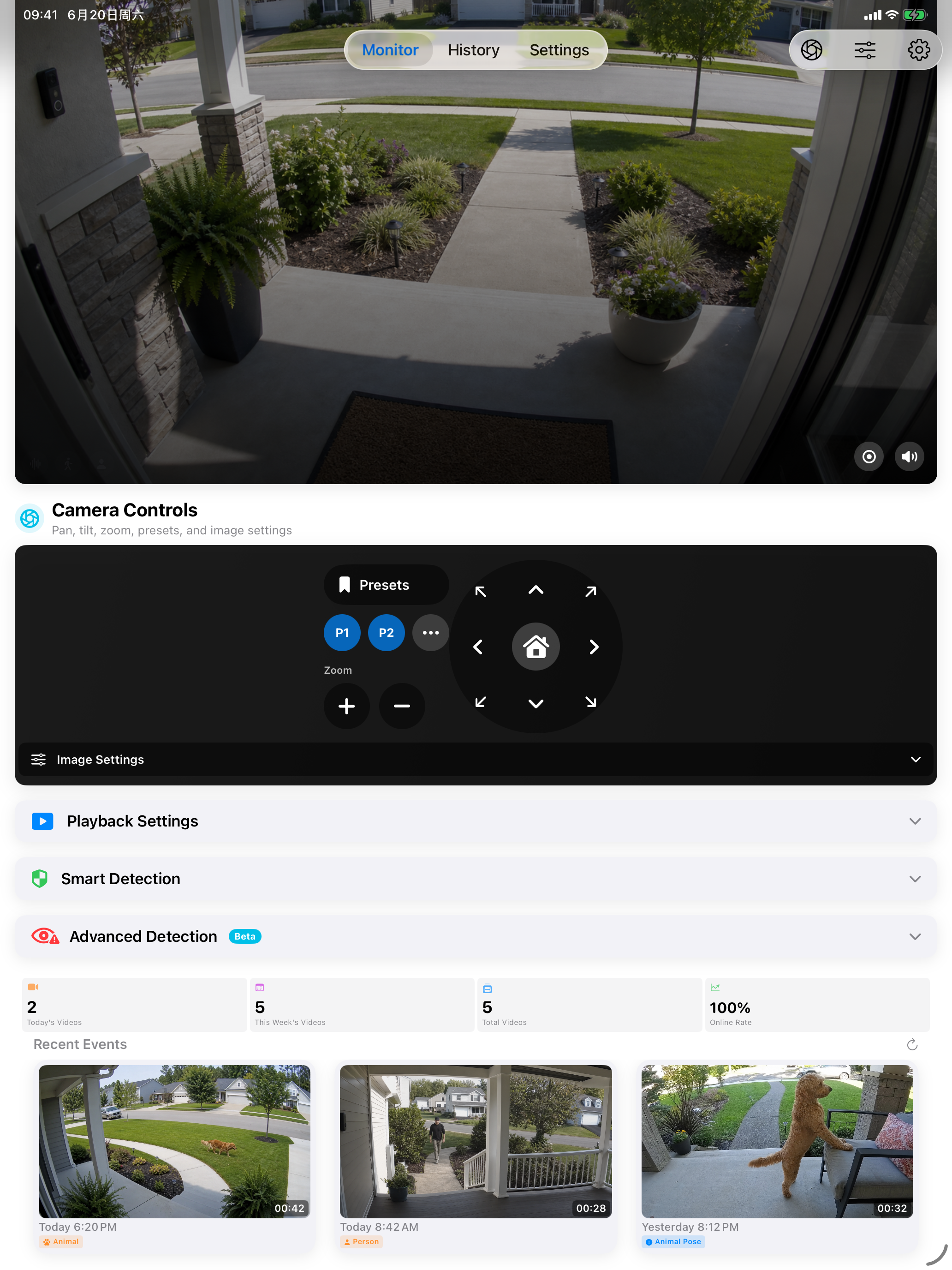
Use grid, fixed 2x2, or Focus layout on larger iPad screens.
AI detection
Run motion, person, face and sound detection on device.
Event history
Replay clips and filter events by type and time range.
Recommended workflow
| Step | Action | Tip |
|---|---|---|
| 1 | Add by ONVIF scan or manual rtsp:// URL. | ONVIF avoids guessing stream paths and can enable PTZ controls. |
| 2 | Select grid, fixed 2x2, or Focus monitor layout. | Use sub-stream URLs for mobile multi-camera grids when bandwidth is limited. |
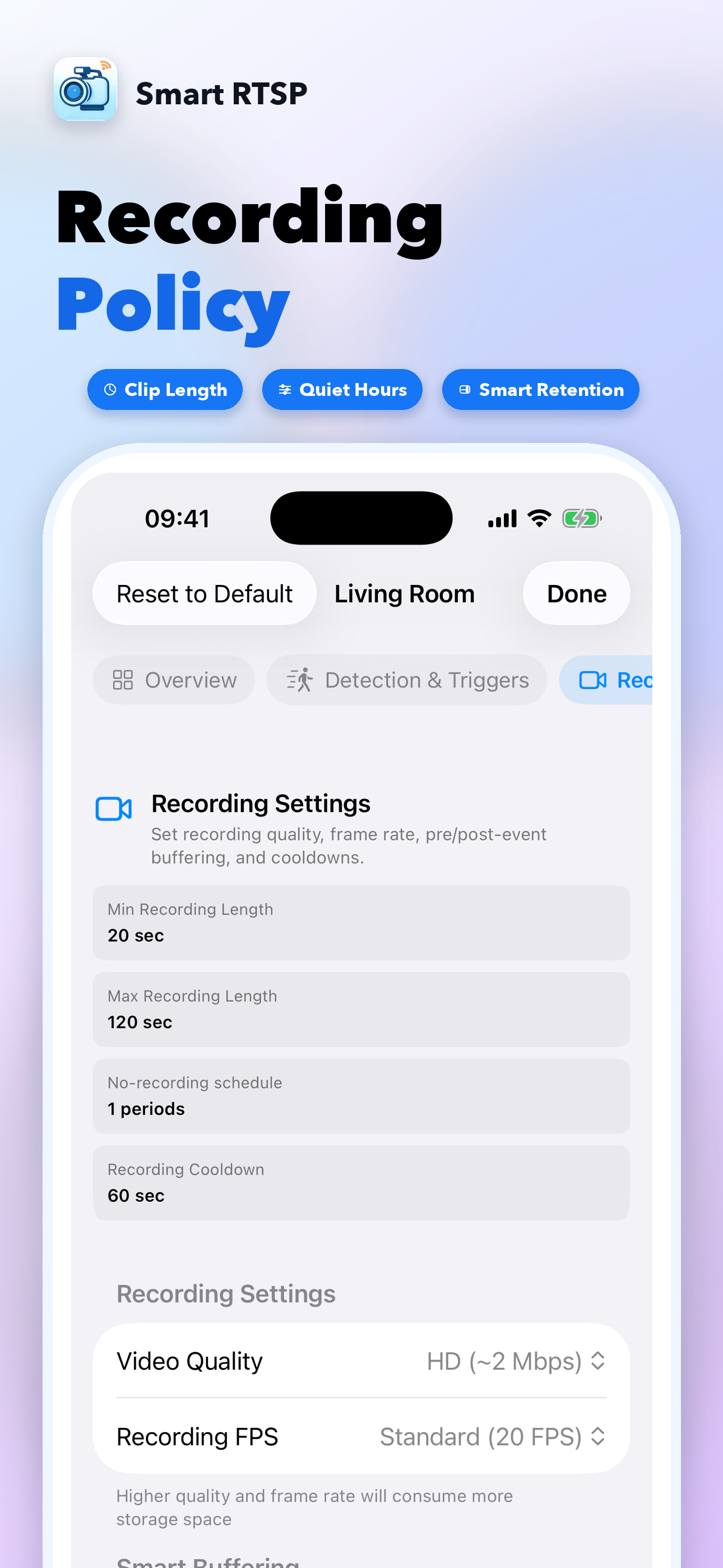
| 3 | Configure per-camera detection and recording policy. | Start with motion + person detection, then add sound or face detection as needed. |
| 4 | Review History for events and clips. | Use filters to narrow by today, week, event type, person or sound. |