Use wired or strong Wi-Fi
RTSP viewing can tolerate small hiccups. Live push is stricter because upload bandwidth must stay stable.
SmartRTSP can turn a camera feed into a controlled broadcast workflow: choose the source, add a destination, run a preflight check, then monitor push health from your Apple device.
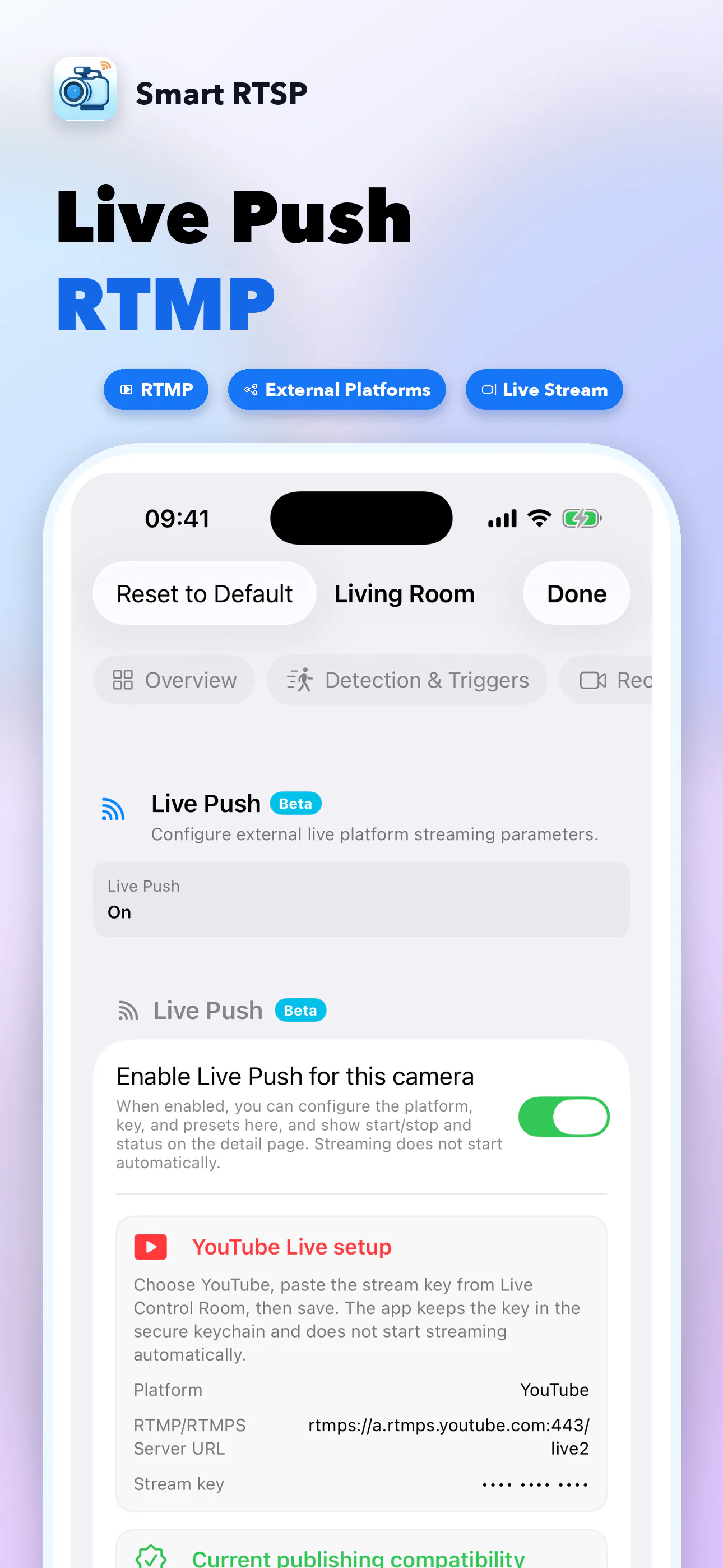
Best for
Use one camera as a clean source for events, construction updates, vacation property checks, lab demos or internal operations dashboards.
| Destination | Use case | Setup notes |
|---|---|---|
| YouTube Live | Public or unlisted live streams from an RTSP camera. | Paste the YouTube RTMP URL and stream key, then confirm YouTube receives the preview. |
| RTMP | Private media servers, NVR ingest, OBS workflows and internal dashboards. | Use the target server address and keep credentials out of public screenshots or logs. |
| RTMPS | Encrypted push to platforms that require TLS-secured ingest. | Prefer RTMPS when your destination supports it, especially outside your LAN. |
| Webhook automation | Trigger external workflows when a push starts, stops or fails. | Use stable destination names so alerts are easy to trace later. |
Workflow
Live streaming fails most often because of bad credentials, unstable Wi-Fi or audio/video mismatch. SmartRTSP’s flow keeps those checks visible before you go live.
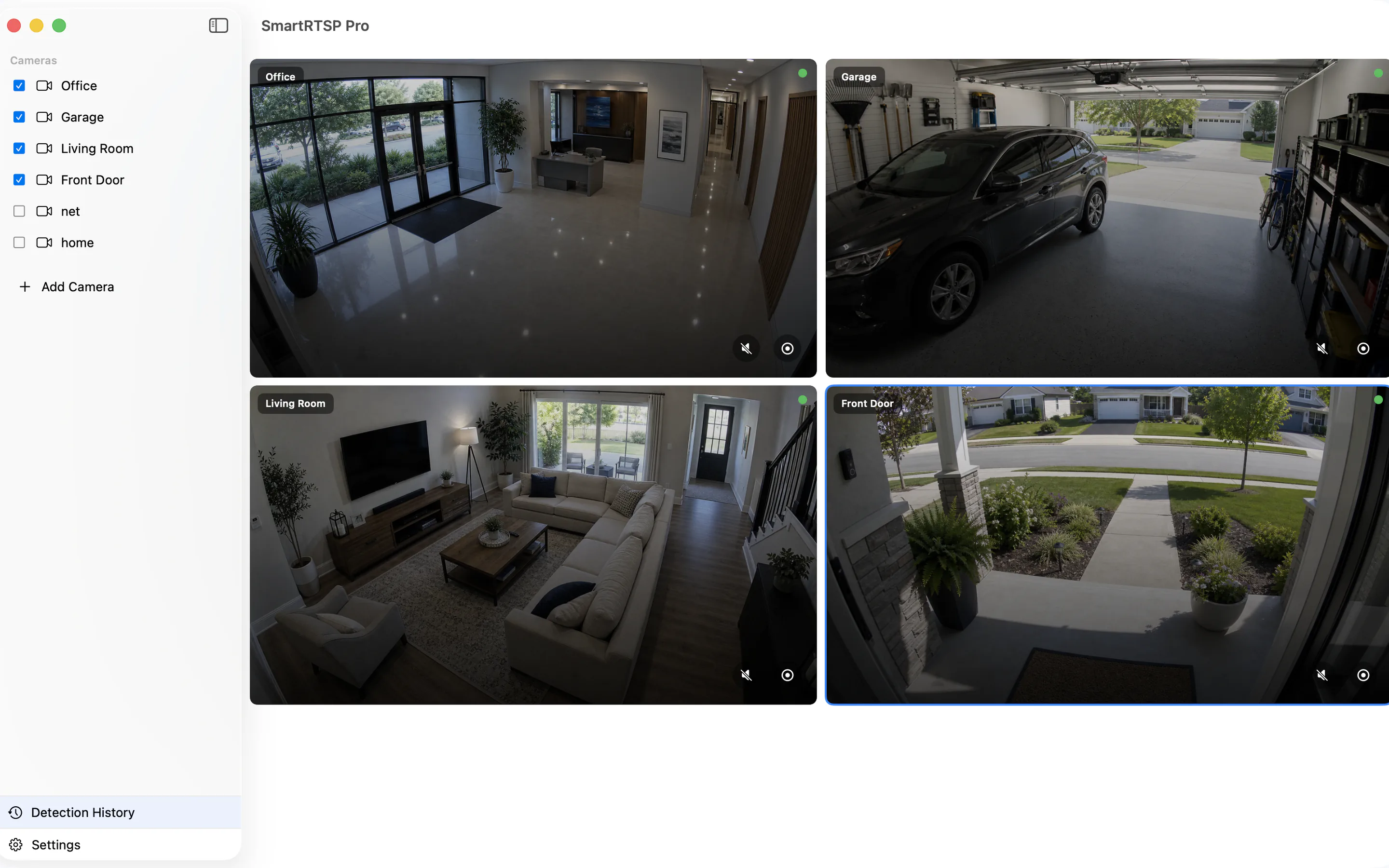
Play the camera locally first. If the RTSP or ONVIF feed buffers locally, fix that before pushing it to a public destination.
Paste the RTMP or RTMPS URL and stream key from the destination platform. Treat stream keys like passwords.
Check network, audio, video format and destination readiness. For YouTube, wait until the studio page shows an incoming preview.
Watch status and logs while the stream is active, then stop the push from SmartRTSP before closing the device or changing networks.
Practical tips
RTSP viewing can tolerate small hiccups. Live push is stricter because upload bandwidth must stay stable.
If a 4K main stream overloads the network, push a 1080p or sub-stream feed and keep the monitor grid responsive.
Do not publish screenshots that expose RTMP URLs, passwords or keys. Rotate the key if it was shared accidentally.