macOS guide
SmartRTSP for macOS
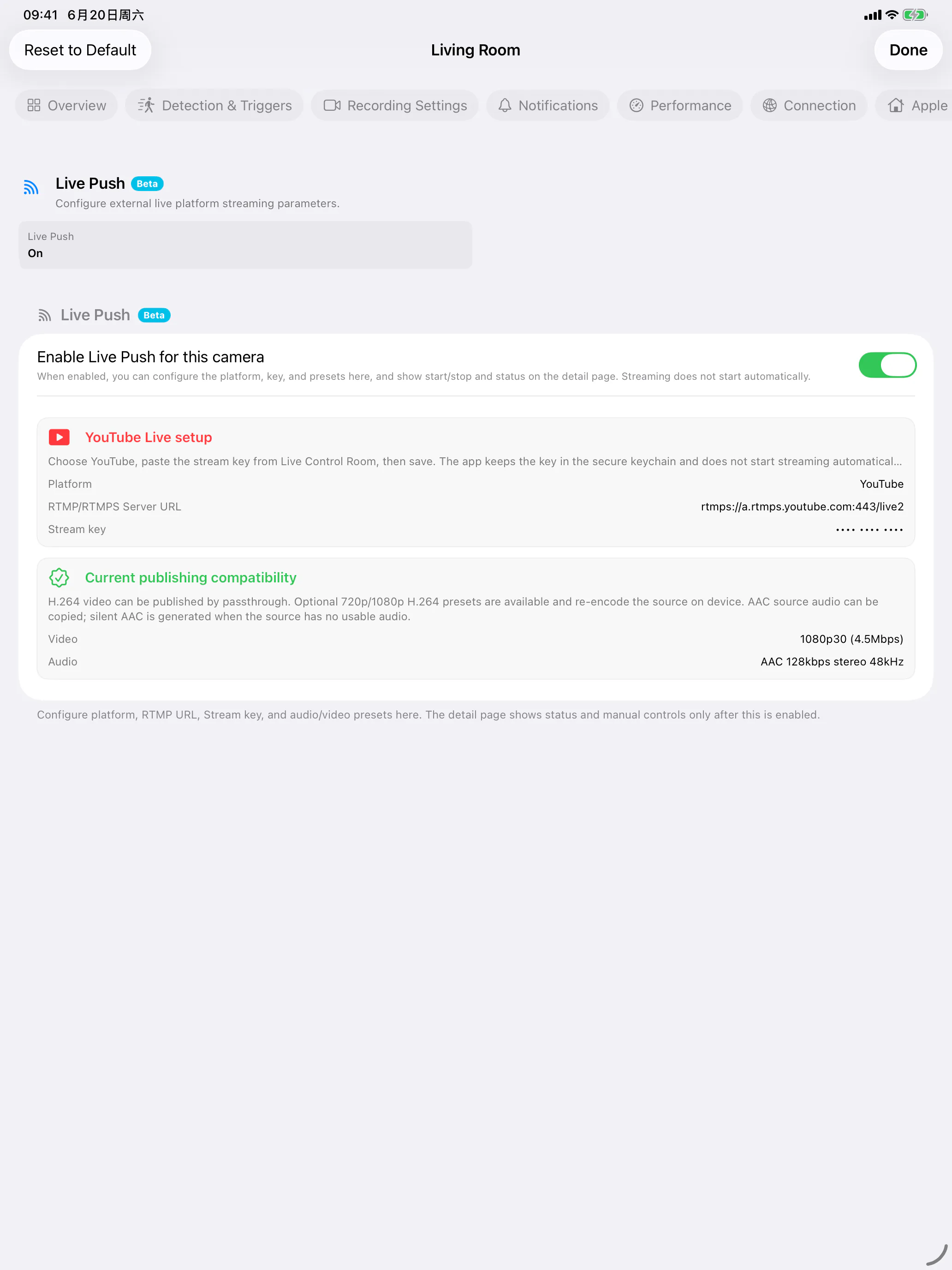
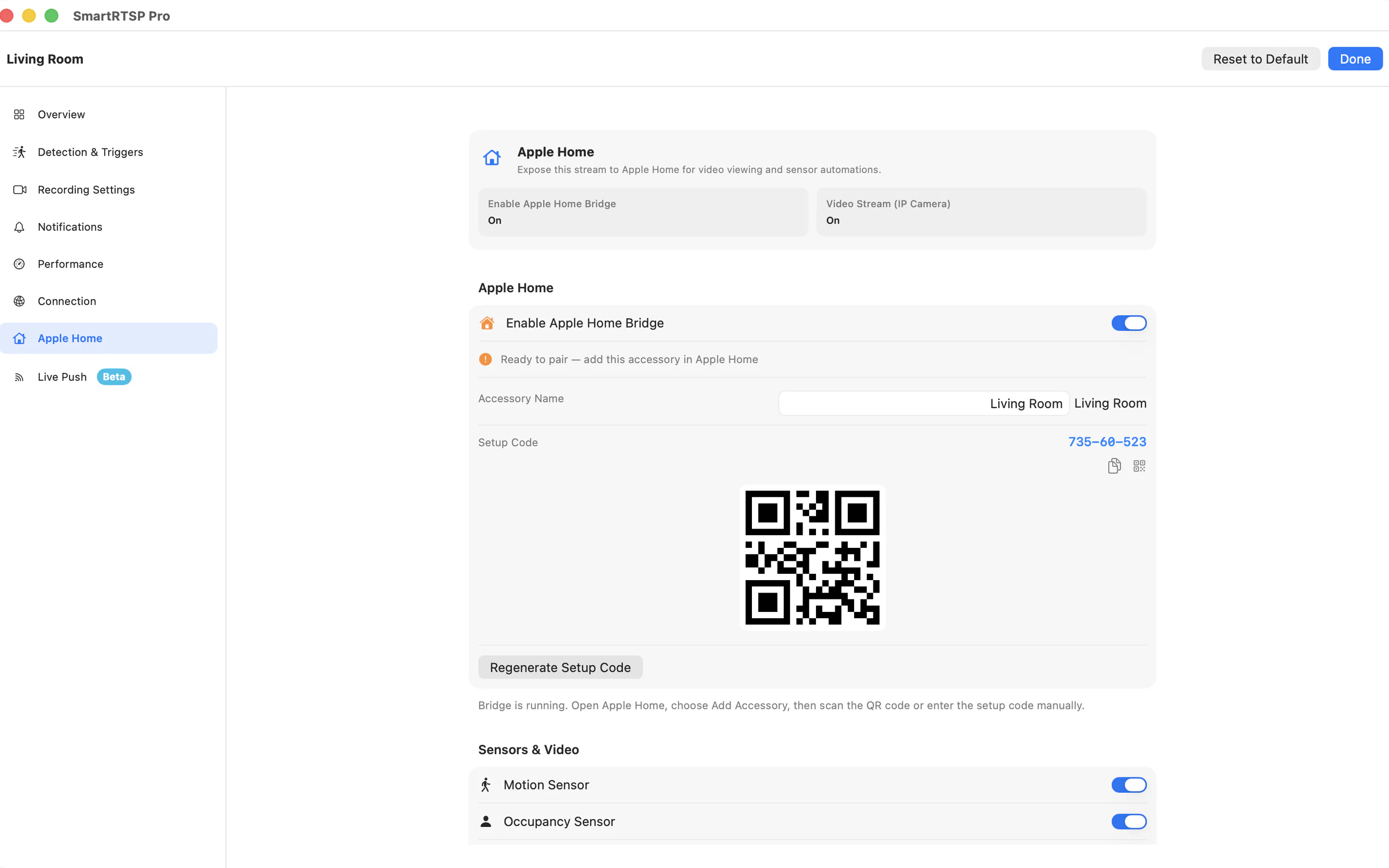
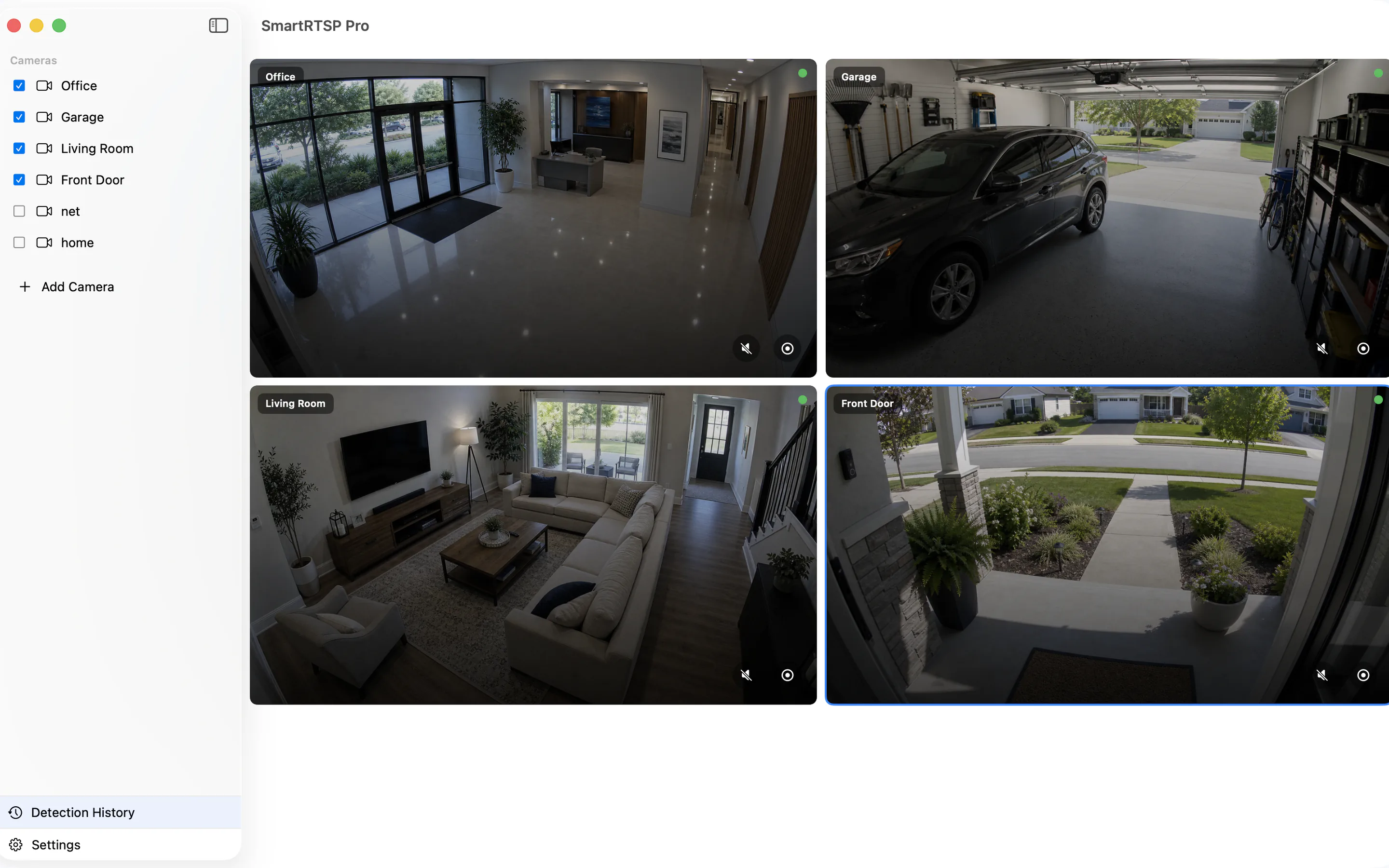
Use SmartRTSP as a desktop RTSP and ONVIF camera monitor on Mac. Keep a multi-camera grid open, control cameras with keyboard shortcuts, capture snapshots, record events and send streams to Apple Home or Live Push workflows.
Last updated: July 6, 2026
Core macOS workflows
| Workflow | Use it for | Details |
|---|---|---|
| Multi-camera grid | Desk monitoring, reception screens, local NVR companion | Use main streams for detail and sub-streams when monitoring many cameras. |
| Keyboard control | Fast camera switching and incident capture | Shortcuts handle add camera, recording, snapshots, detection toggle, previous/next camera and grid density. |
| Menu bar and Dock actions | Quick access while SmartRTSP runs in the background | Use menu actions to select cameras and start or stop recording. |
| Apple Home and Live Push | Home integration and RTMP/YouTube workflows | macOS is the best place for longer-running bridge and push workflows because it can stay powered. |
Record
Toggle recording when you see an incident.
Snapshot
Save a still frame from the active camera.
Detection
Toggle detection without opening settings.
Grid density
Increase or decrease the number of visible tiles.