Why SmartRTSP on Apple TV
Built for the big screen
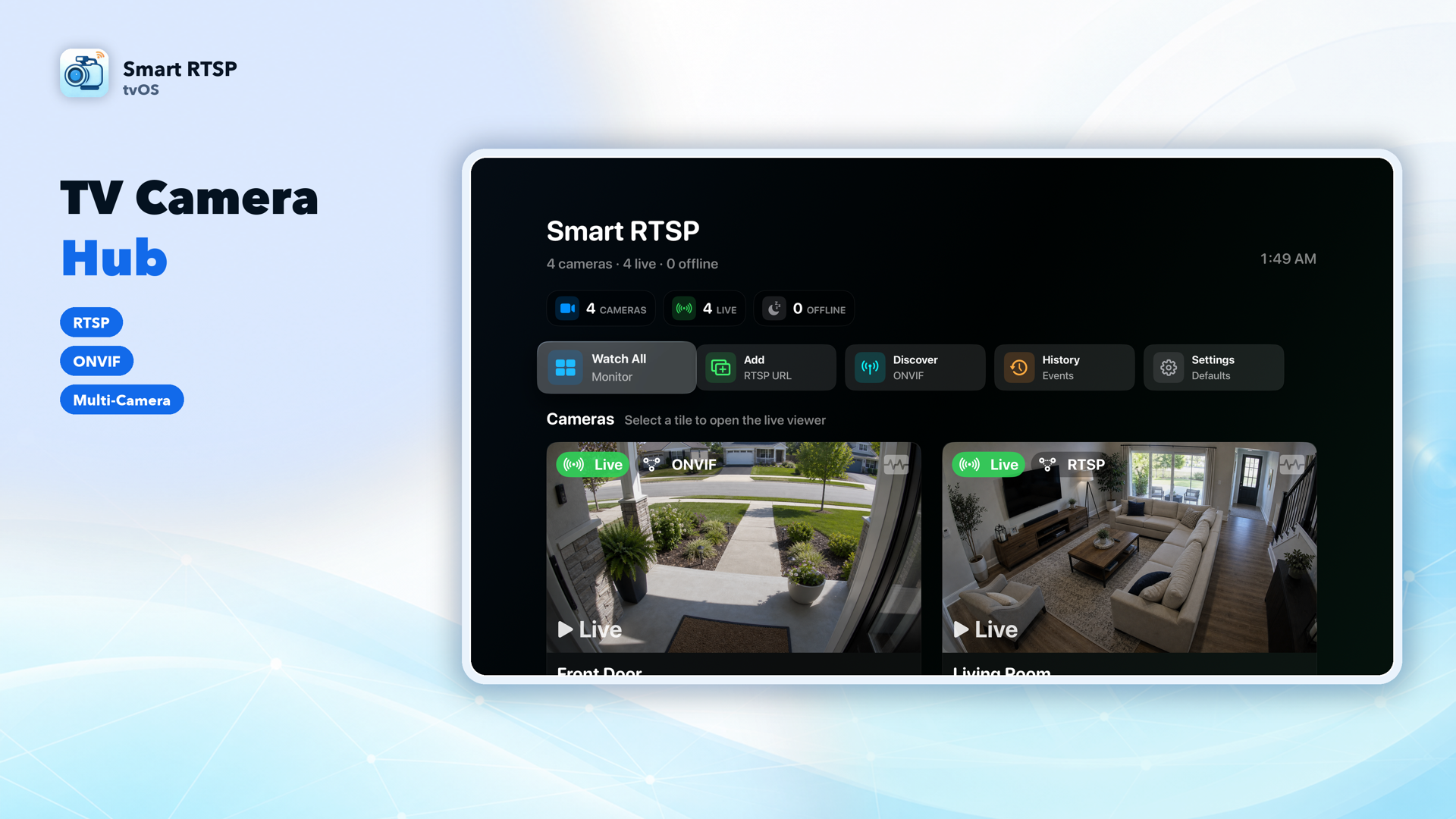
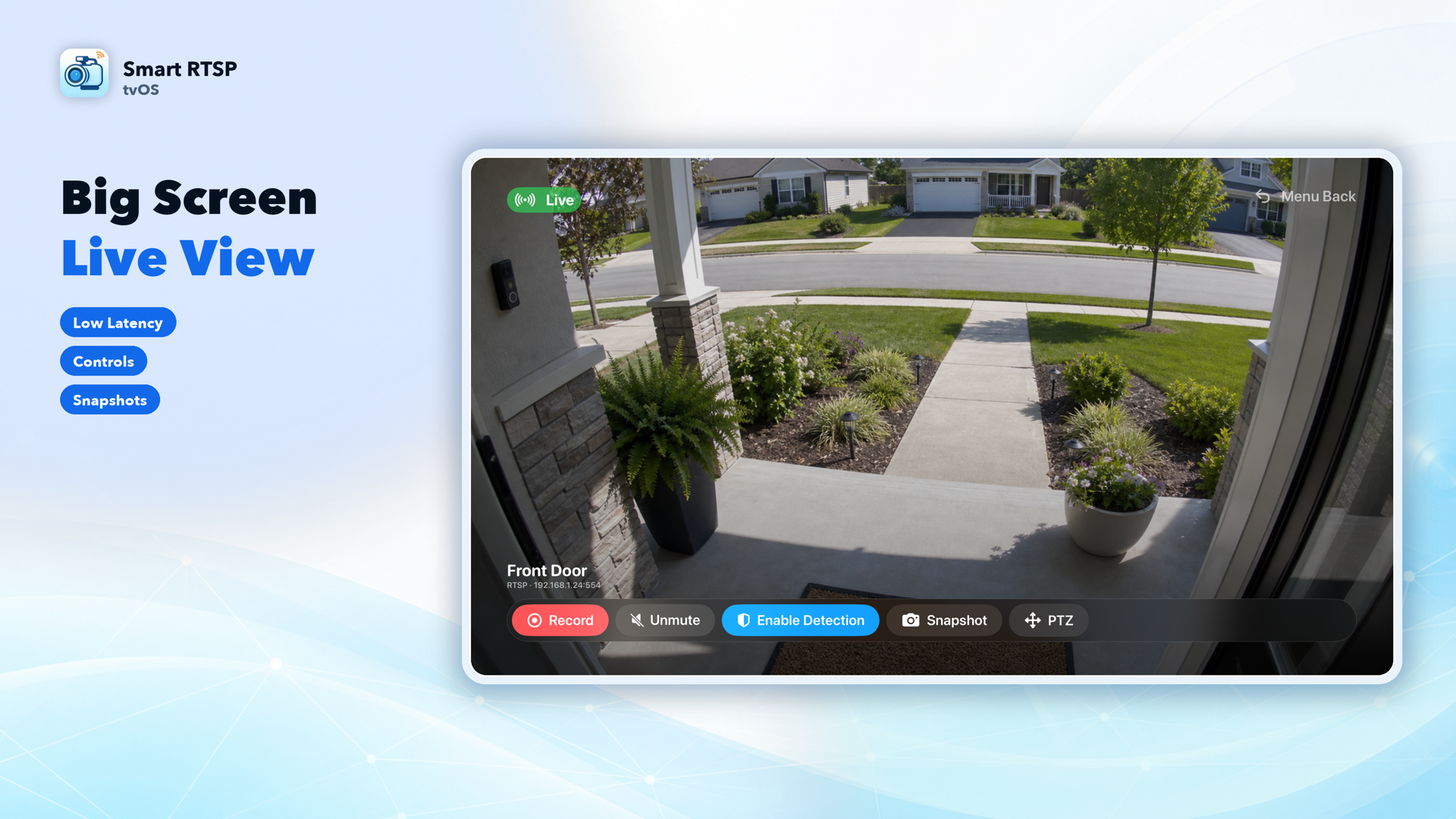
Large focus cards, full-screen live viewing, and a layout designed for Siri Remote navigation from across the room — not a shrunken phone UI.
Local ONVIF discovery
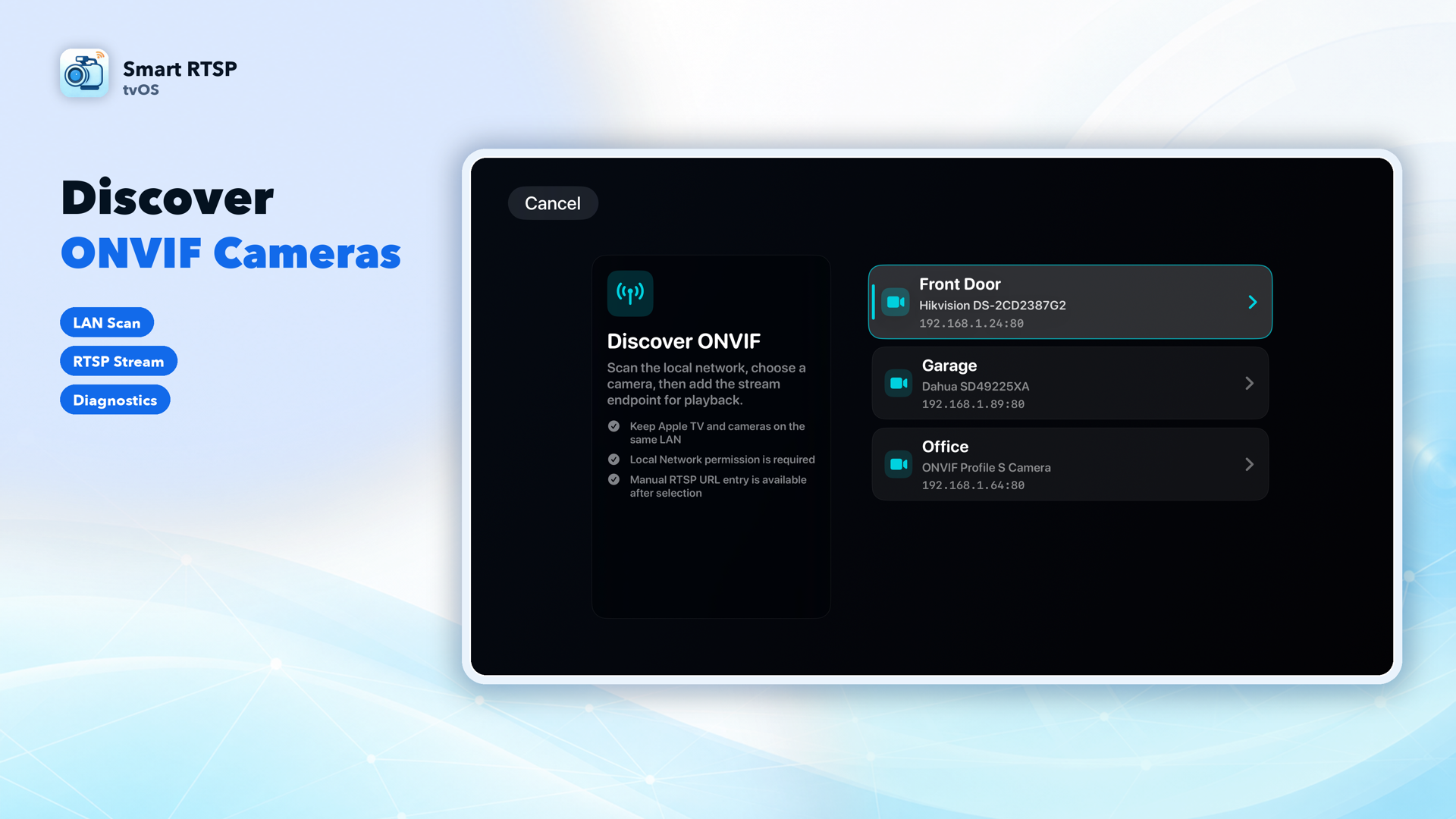
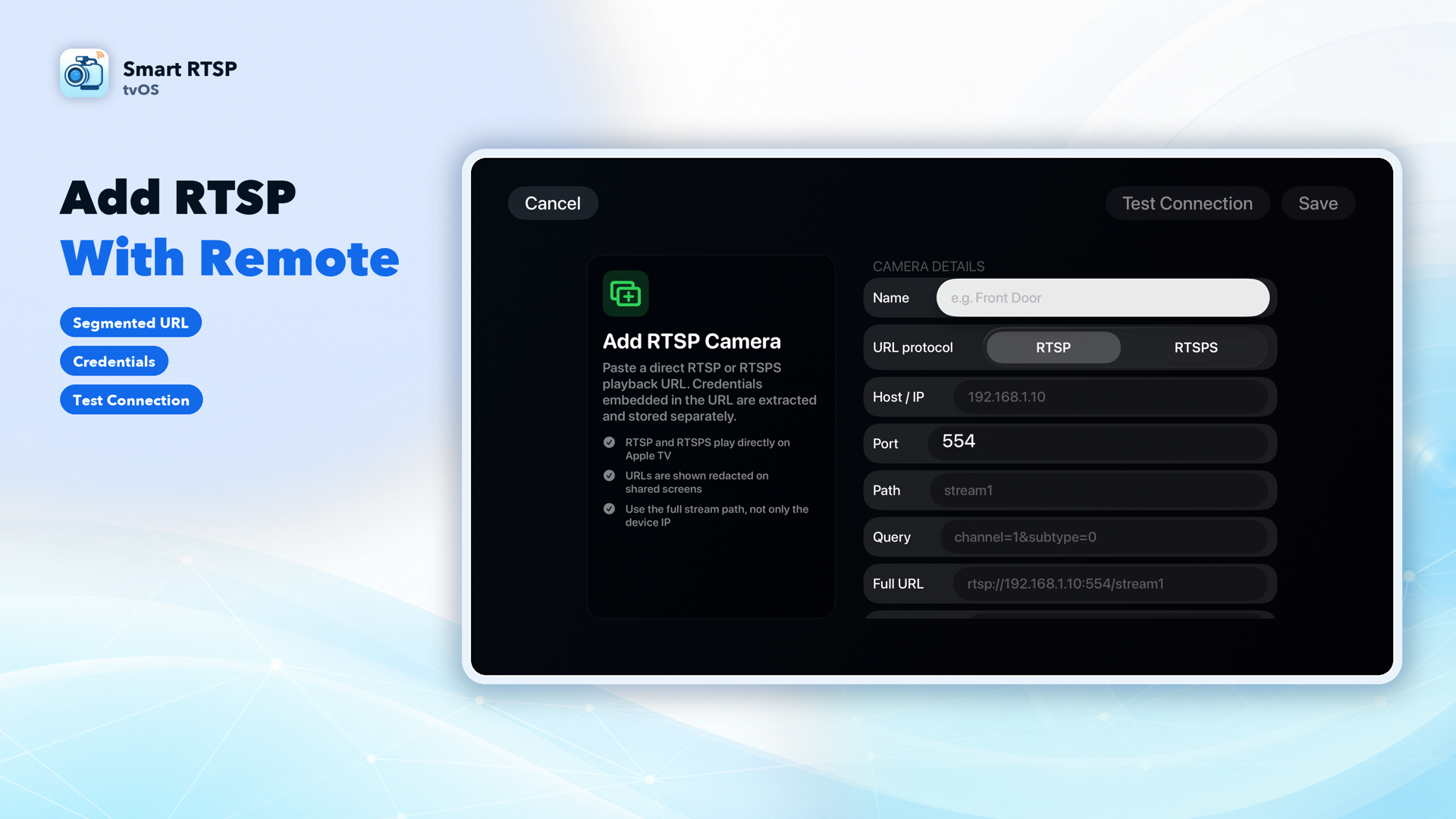
Scan your local network to find ONVIF cameras automatically, or add any camera manually with its RTSP/RTSPS stream URL — with connection testing before you save it.
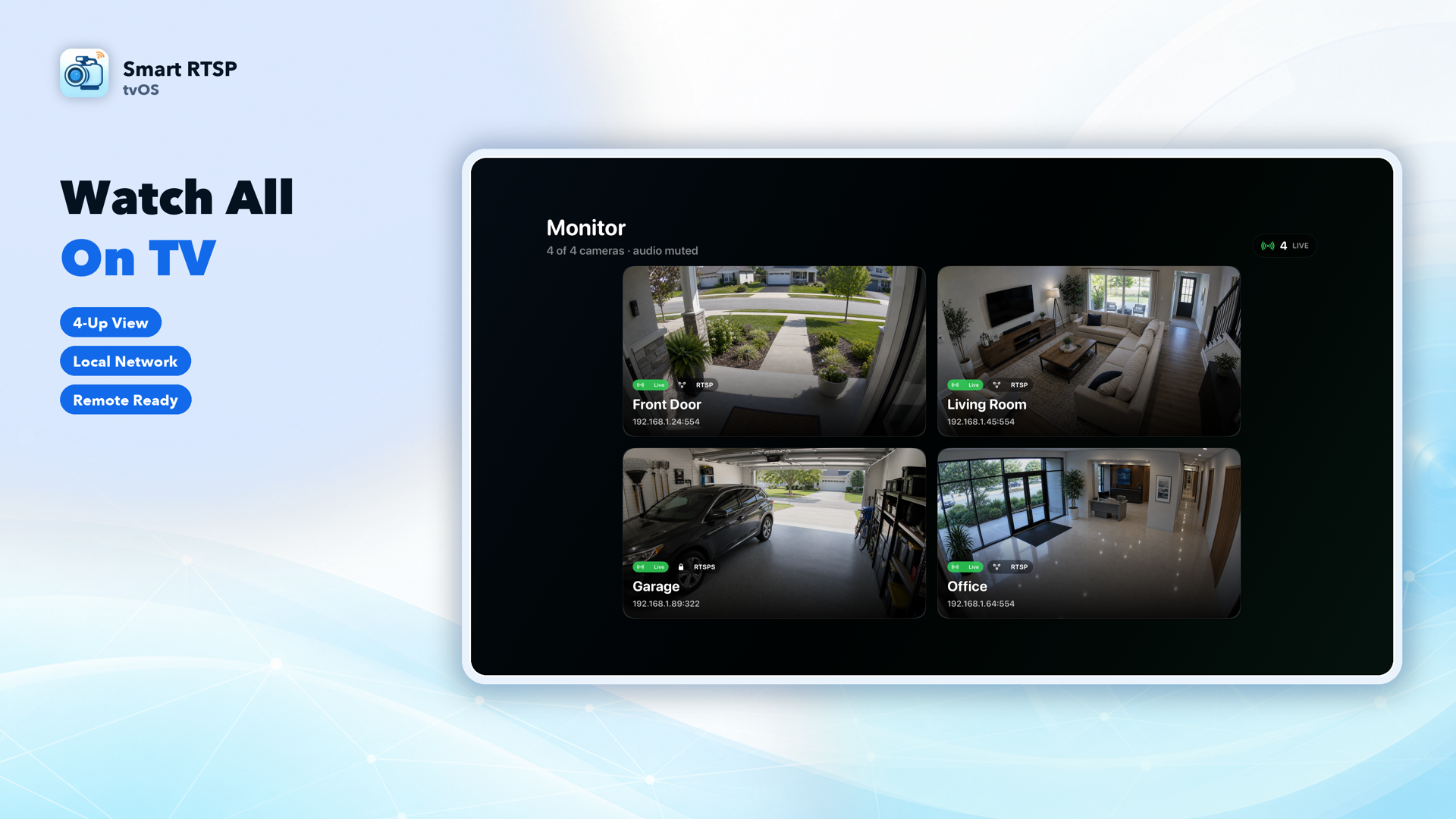
2×2 monitor grid — up to 4 cameras
Watch up to four cameras at once in a resource-aware grid that automatically manages live vs. standby streams to keep playback smooth on Apple TV hardware.
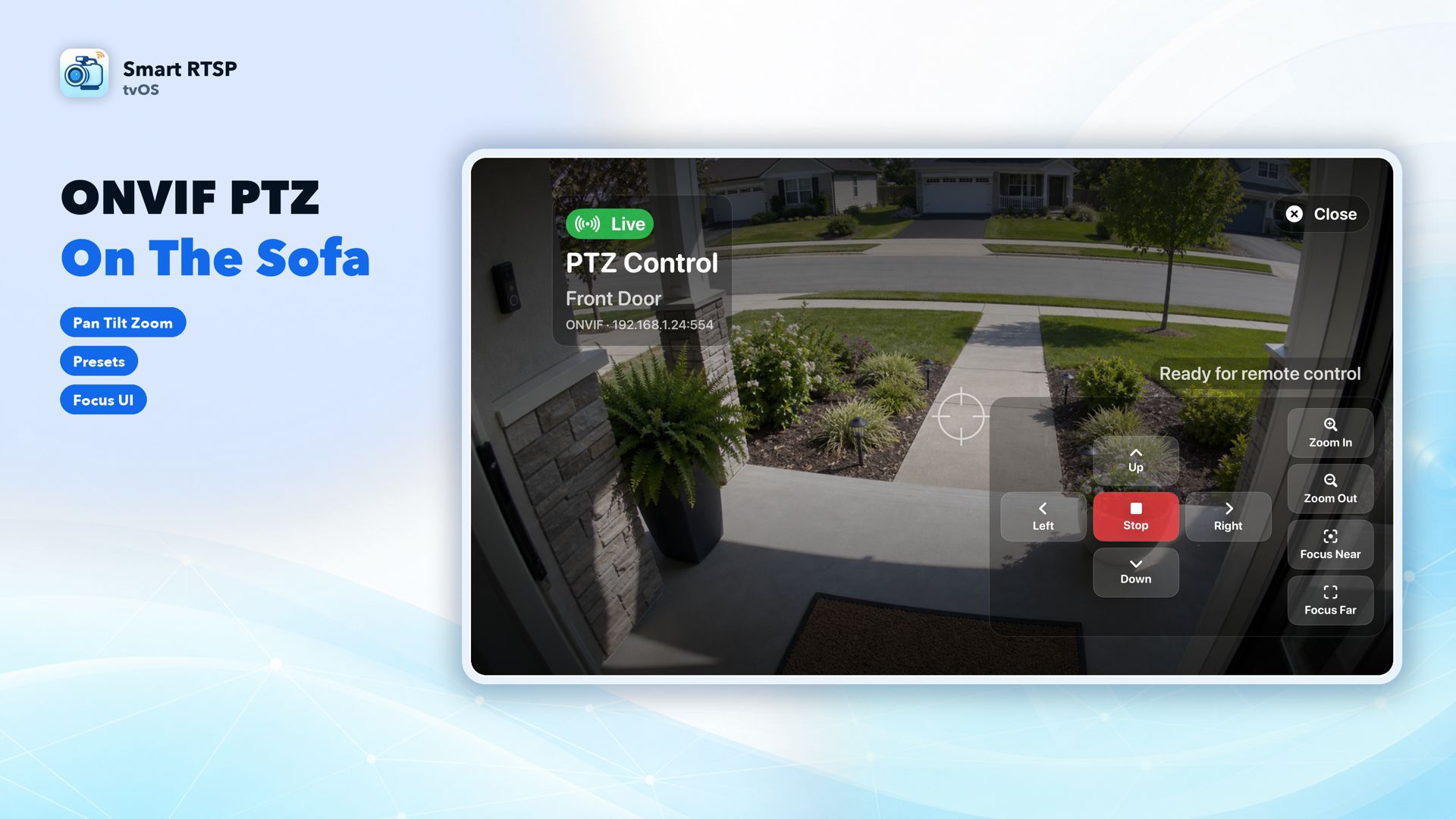
ONVIF PTZ from the couch
Pan, tilt, zoom, focus, and return to home position with the Siri Remote on any camera that supports ONVIF PTZ — no phone required.
See it on Apple TV
What's in the Apple TV app
Live viewing for RTSP, RTSPS, and ONVIF cameras
Full-screen live video with mute/unmute controls, sized for the living room.
Manual recording, snapshots, and history playback
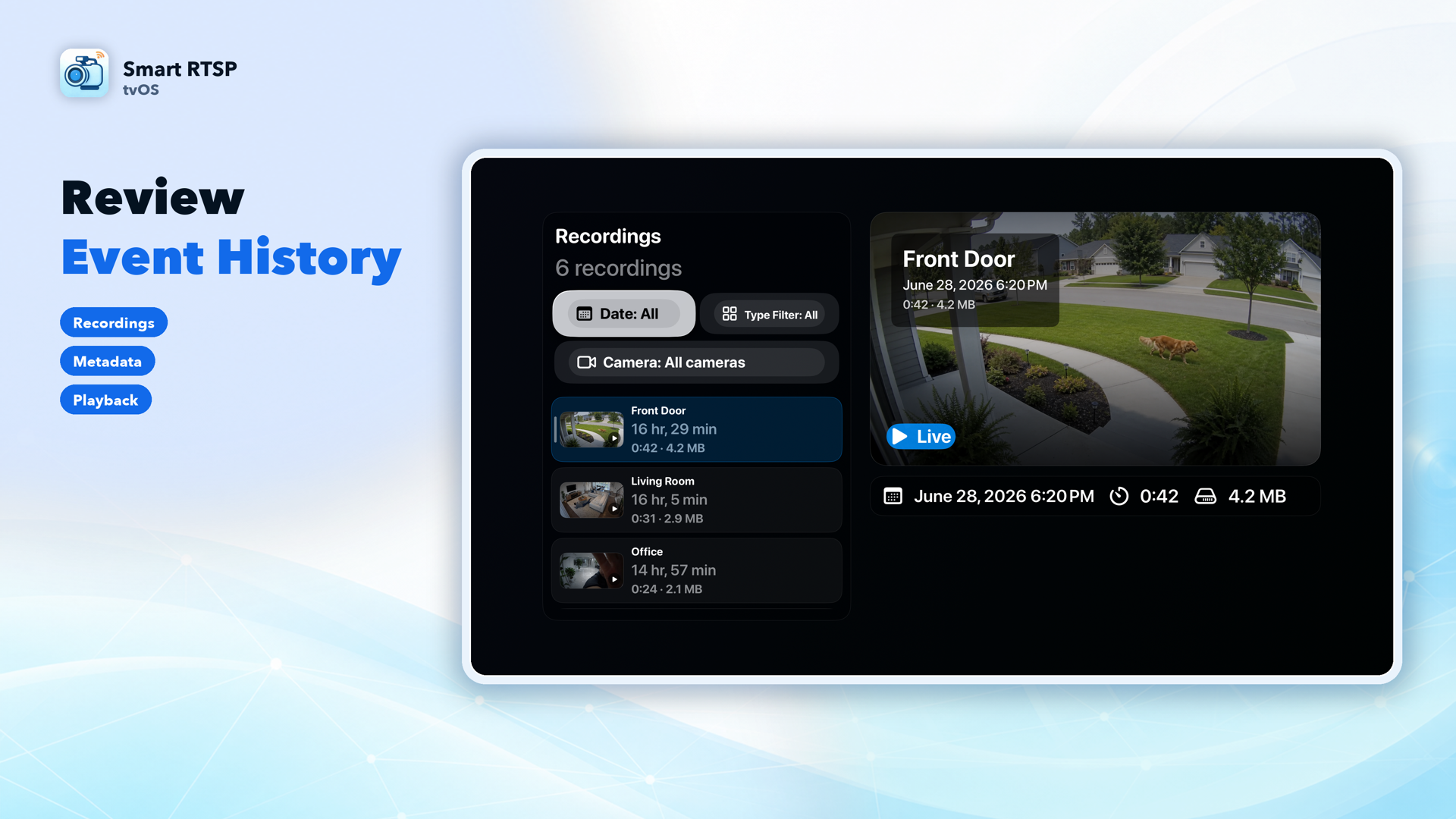
Trigger a recording or snapshot with the Siri Remote, then review clips later with filters by camera, date, and event type. (Smart RTSP Pro)
Optional motion, person, and sound detection
In-app event banners appear while Smart RTSP is open and focused on your Apple TV. (Smart RTSP Pro)
Per-camera settings
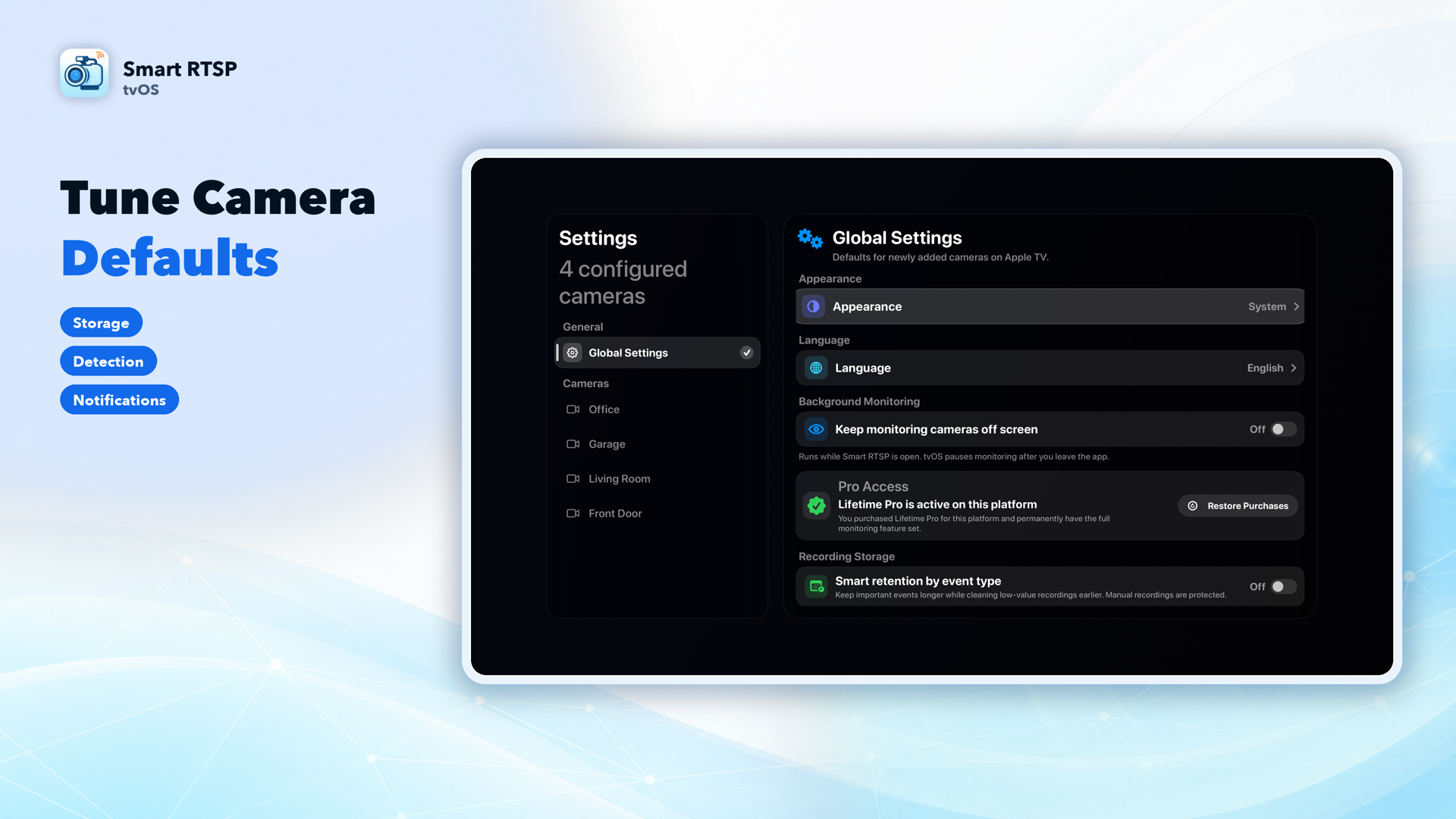
Control connection details, monitor-grid visibility, detection, performance, and local recording cleanup for each camera.
Not on Apple TV: Apple Home, Live Push, iCloud, Photos
Apple Home support, RTMP/YouTube Live Push, iCloud sync, and Photo Library integration are available on iPhone, iPad, and Mac, but not on Apple TV. Apple TV also pauses monitoring once you leave the app, unlike the always-available background detection on iPhone and iPad.
Frequently Asked Questions
Is the Apple TV app the same App Store listing as the iPhone app?
How many cameras can I view at once on Apple TV?
Does Smart RTSP for Apple TV support HomeKit or Live Push to YouTube?
Does Apple TV keep monitoring cameras after I leave the app?
Which features require Smart RTSP Pro on Apple TV?
What camera brands work with Smart RTSP on Apple TV?
Watch your cameras on the big screen — free
No subscription required to get started. Add your first camera and start watching in minutes.